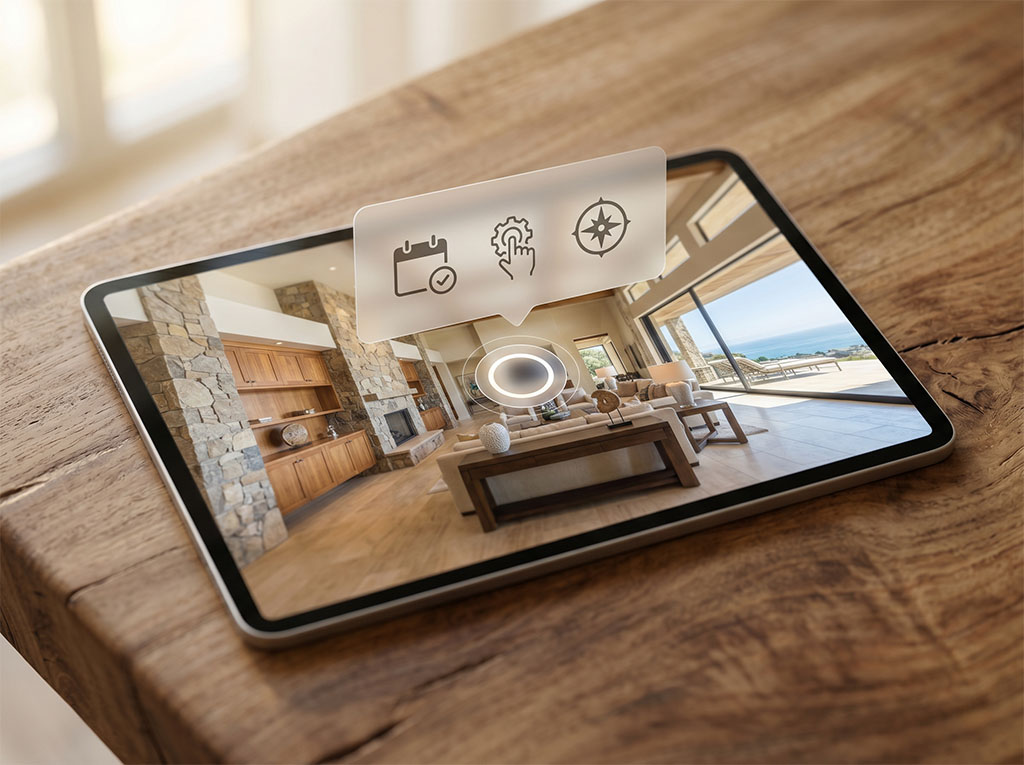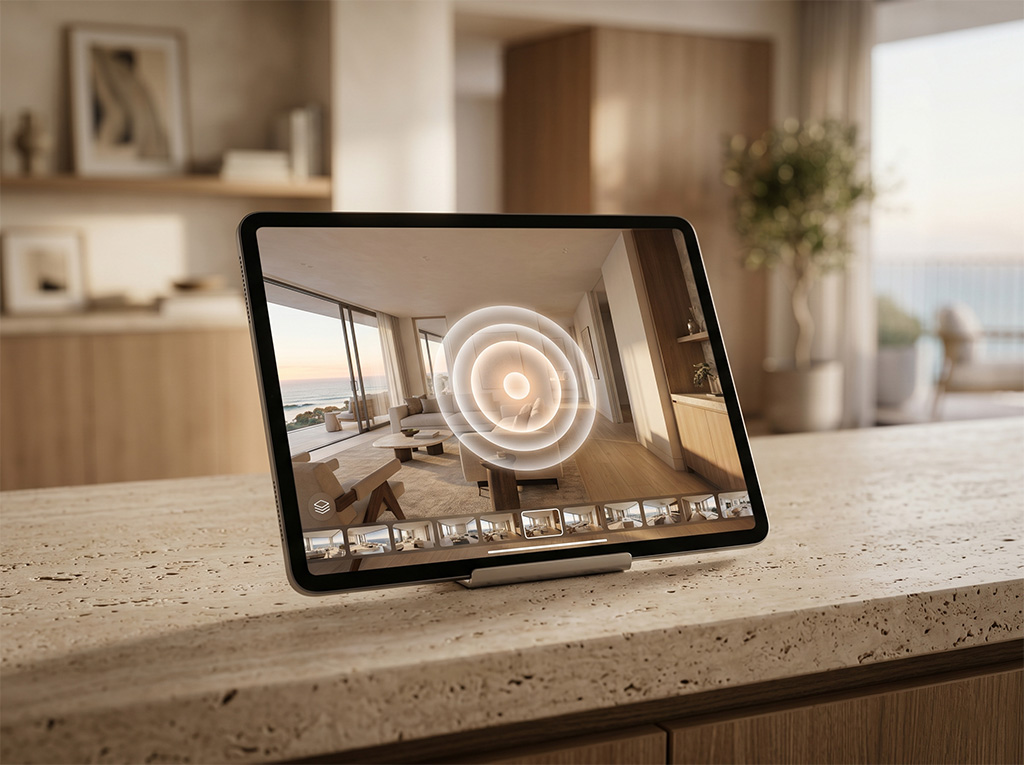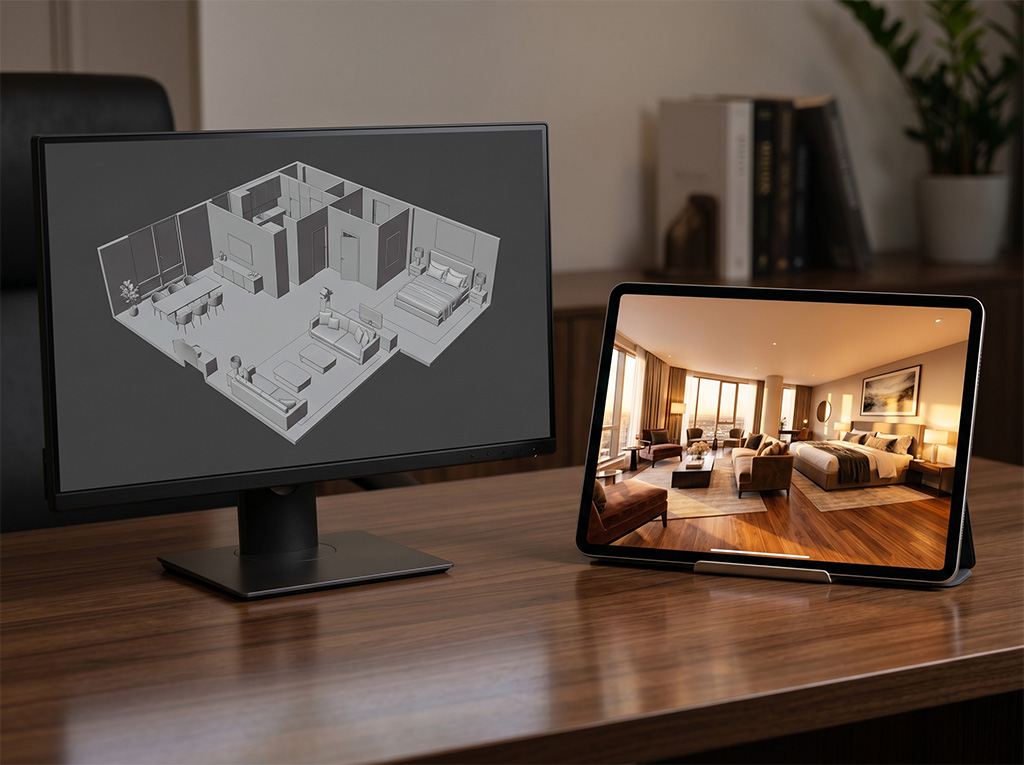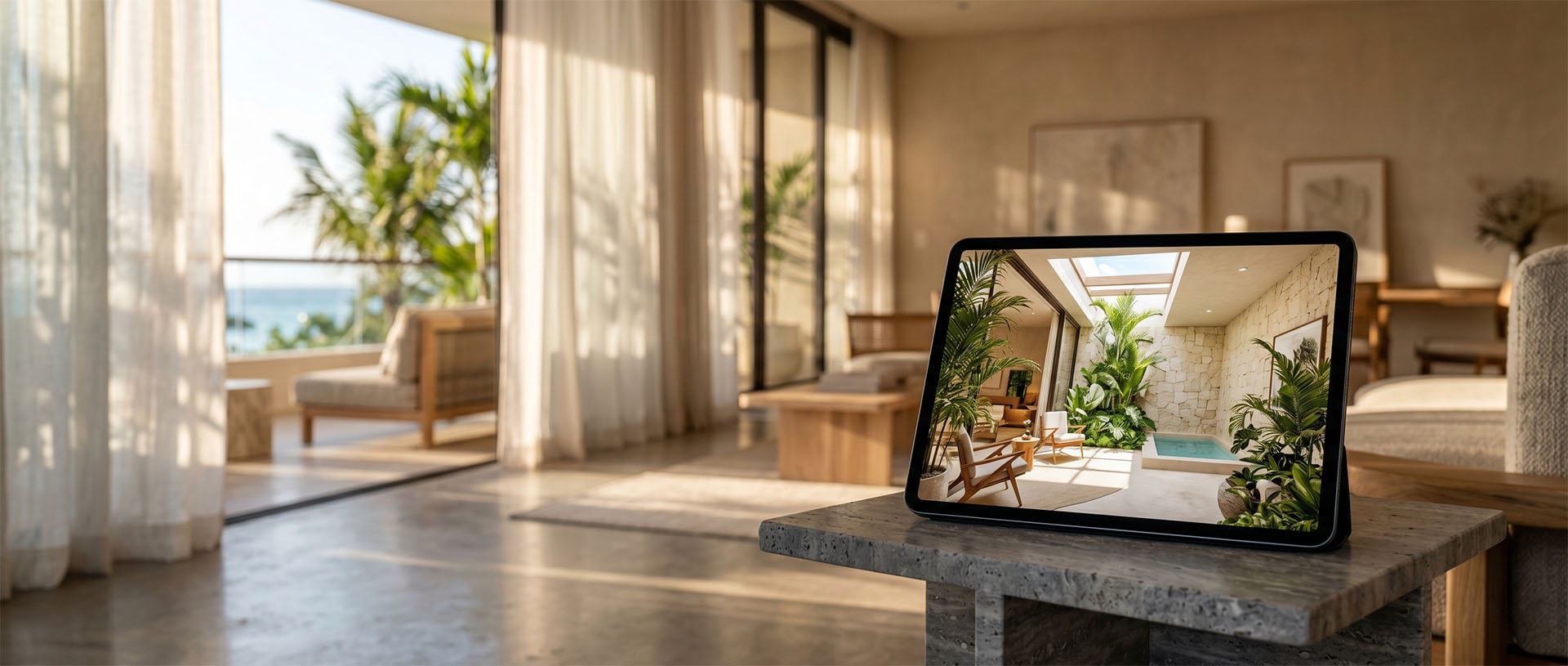
A 360° virtual tour is a digital experience that lets you move through a space from a computer or phone. The person doesn't just see a photo: they can choose where to look, move between areas and understand the relationship between rooms, lounges, amenities or service zones.
- It's a navigable experience built from 360° photography or video of a real space.
- It helps show layout, atmosphere, scale and detail before a physical visit.
- It can include hotspots, forms, info cards, videos, maps, buttons or links.
- Not every project needs the same level of production: the scope depends on the goal.
A simple definition
A 360° virtual tour is a digital experience that lets you move through a space from a computer or phone. The person doesn't just see a photo: they can choose where to look, move between areas and understand the relationship between rooms, lounges, amenities or service zones.
Unlike an image gallery, the tour keeps the context. For a hotel, a clinic, a gallery or a property for sale, that context helps answer questions that would normally only come up at the visit: size, flow, lighting, privacy, access and the overall feel of the place.
Why it matters for physical spaces
It matters because the decision about a space is rarely made with a single image. A guest wants to imagine their stay, a patient wants to feel safe, a buyer wants to filter whether it's worth visiting, and a commercial director needs to explain the space without always relying on an in-person meeting.
Used well, a virtual tour doesn't replace human attention. It prepares it. It reduces uncertainty, organizes information and lets a sales conversation start with better questions.
Use cases in LUM360's work
- Hotels and venues that want to show rooms, halls, spa, beach or amenities before a booking or site inspection.
- Residential or premium properties that need to filter prospects before scheduling physical visits.
- Clinics and practices that want to convey trust without exposing sensitive areas.
- Galleries and museums that want to document an exhibition or create a remote experience.
- Restaurants and physical businesses that need to reinforce Google Maps, trust and local traffic.
- Yachts, showrooms or real estate developments that need to explain complex spaces with clarity.
The recommendation shouldn't start from a list of services. It should start from what the space needs to do: sell, take bookings, document, educate, qualify prospects, or build trust before an in-person visit.
When it makes sense
- When the space is central to the decision to buy, book, rent or visit.
- When there are many repeated questions about layout, access, amenities or the condition of the place.
- When the sales team needs to share a consistent visual experience over web, WhatsApp, QR or a presentation.
When it needs a closer look
- If the space isn't ready yet, it may be worth waiting, doing basic staging, or producing a partial version first.
- If there are private areas, visible data or people, you should define what's captured, what's hidden and what needs retouching.
- If the real goal is an emotional video campaign, the 360° tour may need to be complemented with audiovisual production rather than trying to solve everything alone.
This upfront review keeps you from paying for things you don't need and helps define a realistic scope. On sensitive projects, it's worth talking through permissions, visual privacy, and final use before production begins.
What drives price, scope, or complexity
- The number of areas or 360° nodes needed to explain the space without making it heavy.
- The level of visual editing: basic correction, targeted cleanup or premium editing.
- The number of hotspots, info cards, buttons, forms or integrated resources.
- Logistics complexity: schedules, permits, open operation, setup, weather or multiple locations.
- Final use: web, Google Maps, sales team, booking platform, physical QR or a digital campaign.
Price shouldn't come from a generic formula. Two spaces of the same size can call for very different levels of editing, logistics, interactivity, and review.
How LUM360 approaches it
At LUM360 we start from the goal, not from selling more scenes. We ask what the tour needs to achieve and who it's being produced for.
Then we define which zones are essential, which can be left out and what level of interactivity makes sense. If the project requires it, we recommend scouting to anticipate permits, light, operation and privacy.
Delivery is designed for real commercial use: web, WhatsApp, Google Maps, presentations, QR or a sales team. The idea is that the tour isn't just beautiful, but useful for making decisions.
It's not about selling you more, but about helping you invest in what actually makes sense for your goals.
That's why the Project Estimator asks about project type, goal, services, final use, urgency, editing, and contact details. The idea is to recommend what's right for your goals, not to push a bigger solution than you need.
Frequently asked questions
Is a 360° virtual tour the same as a video?
No. In a video the viewer watches a fixed sequence; in a virtual tour they can explore, change direction and move through areas of the space. The two formats can complement each other.
Can it be viewed on a phone?
Yes. A well-built tour should work on phone, tablet and desktop. On mobile it's important to manage file weight, navigation and buttons so the experience never feels confusing.
How many scenes do I need?
It depends on the scale and the goal. A small space can be explained with a few points, while hotels, galleries or developments usually require more nodes and interactivity.
Not sure what your space needs? Let's review it together.
Fill out the Project Estimator and we'll help you define the right scope: number of areas, level of editing, hotspots and the channels where the content needs to work.