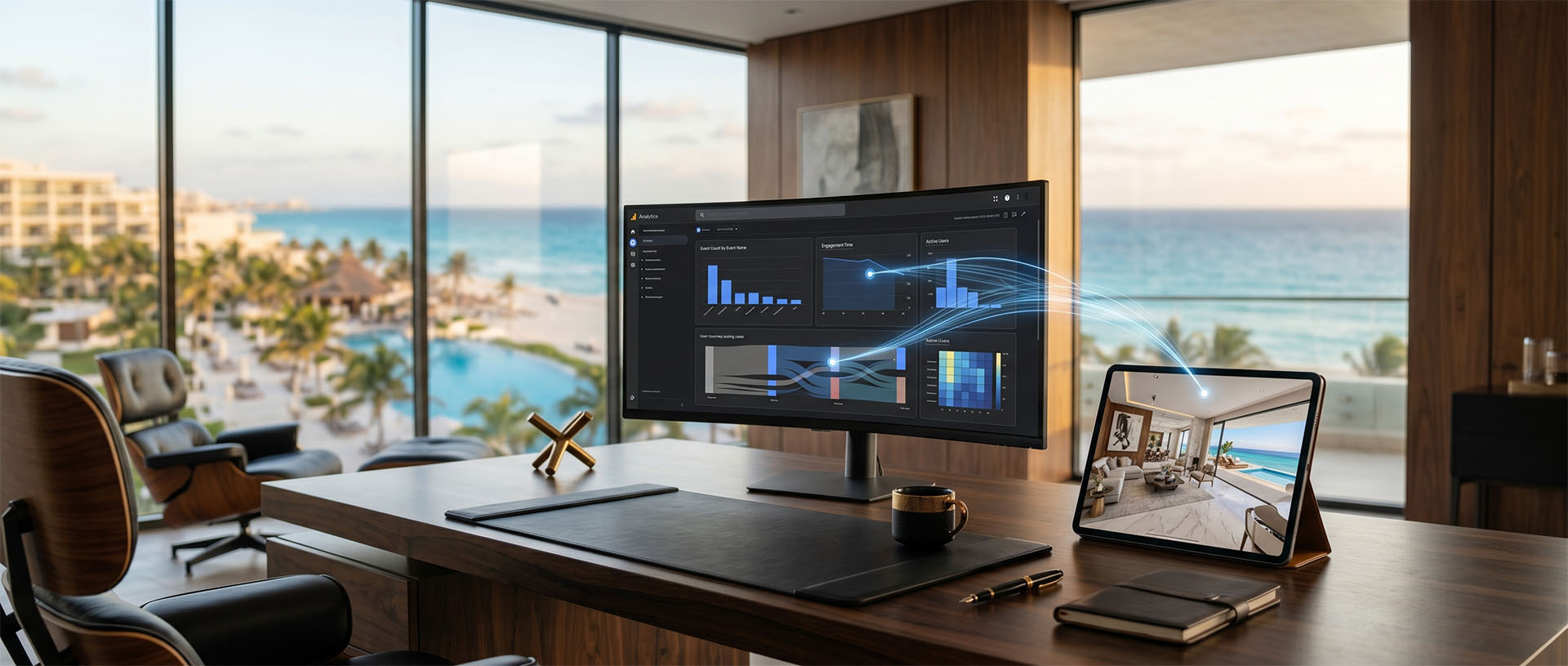
Google Analytics is a measurement tool that helps you understand how users interact with a site or app. In virtual tours, it can be used to track relevant actions when the experience is integrated with events.
- Google Analytics can measure interactions if it's set up correctly.
- Not every click is a conversion; it pays to choose events with commercial value.
- WhatsApp, forms, buttons, info cards and engagement time can all be useful signals.
- Measurement should respect privacy, consent and the context of the site.
A simple definition
Google Analytics is a measurement tool that helps you understand how users interact with a site or app. In virtual tours, it can be used to track relevant actions when the experience is integrated with events.
An event can be a specific interaction: opening an info card, clicking WhatsApp, submitting a form, playing a video, tapping a booking button or visiting a related section. What matters is measuring actions that help you make decisions.
Why it matters for physical spaces
It matters because publishing a tour without measurement leaves a lot of questions open. You may know the content exists, but not whether people interact with it, which areas spark interest or which calls to action get clicks.
For sales directors, hotels, developments, clinics or galleries, measurement helps turn the tour into a learning tool: what explains best, what confuses and what could be improved.
Use cases in LUM360's work
- Measure clicks on WhatsApp, booking, quote or contact buttons.
- Track interactions with info hotspots, project cards or amenities.
- Compare which pages lead to the tour and which generate the most actions afterward.
- Record video plays inside immersive experiences.
- Evaluate campaigns that send traffic to a specific tour.
- Support content decisions for brokers, sales teams or marketing.
The recommendation shouldn't start from a list of services. It should start from what the space needs to do: sell, take bookings, document, educate, qualify prospects, or build trust before an in-person visit.
When it makes sense
- When the tour is part of a sales strategy or campaign.
- When there are clear CTAs inside or around the experience.
- When the team needs to report signs of interest without relying on opinions alone.
When it needs a closer look
- Without defined events, Analytics can show general data, but little you can act on.
- If the tour is embedded from an external platform, measurement may have technical limits.
- If there are legal or consent requirements, they must be met before turning on advanced measurement.
This upfront review keeps you from paying for things you don't need and helps define a realistic scope. On sensitive projects, it's worth talking through permissions, visual privacy, and final use before production begins.
What drives price, scope, or complexity
- Where the tour lives: your own site, an external platform, a landing page or an iframe.
- Which actions can be technically instrumented.
- Clear event names for reports and future campaigns.
- Privacy, consent and tag configuration.
- How interaction data relates to real sales follow-up.
Price shouldn't come from a generic formula. Two spaces of the same size can call for very different levels of editing, logistics, interactivity, and review.
How LUM360 approaches it
At LUM360, we recommend defining measurement before you publish. First, we ask what decisions your team wants to make with the data.
Then we propose simple events: opening the tour, clicking a hotspot, a WhatsApp CTA, a form, a booking button or a brochure download. A few well-named events are worth more than a lot of data nobody reads.
When Google Tag Manager or Analytics is used, we check that events are consistent and that they don't promise more precision than is technically possible.
Measurement should help improve content and sales follow-up, not become an unnecessarily complex layer.
That's why the Project Estimator asks about project type, goal, services, final use, urgency, editing, and contact details. The idea is to recommend what's right for your goals, not to push a bigger solution than you need.
Frequently asked questions
Does Google Analytics automatically measure everything inside the tour?
Not always. Many interactions require configured events, especially if the tour is embedded or runs on an external platform.
Which event should I measure first?
Usually the CTAs with commercial value: WhatsApp, a form, a booking, a download or an information request.
Do I need Google Tag Manager?
Not always, but it can make events and tags easier to manage when the site has several actions or campaigns.
Recommended sources and references
These references help keep a conservative reading on SEO, Maps, and measurement topics.
Measure the interactions that can guide decisions. We'll review it with you.
If your tour will be part of a campaign, website or sales team, we can help you define useful events before you publish it.