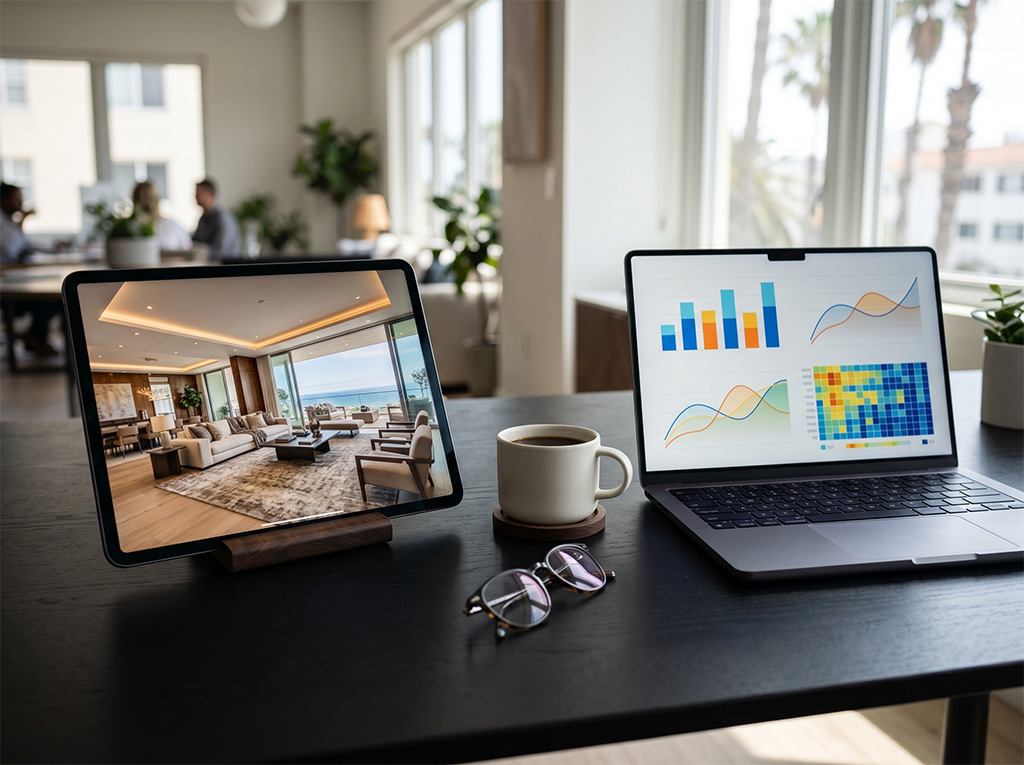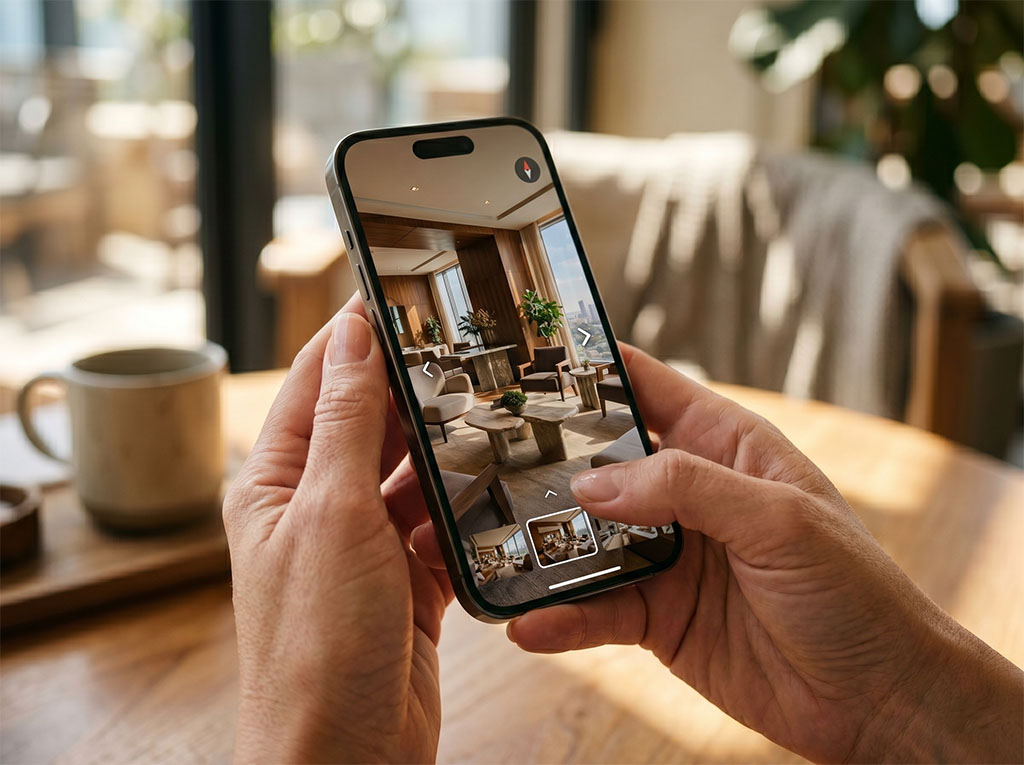
When the director of a real estate project asks, "How's the tour doing?", they usually get one of two answers: "Great, lots of people are viewing it" (no data) or an awkward silence because nobody thought to measure. Neither answer helps with commercial decisions. The right one sounds like this: "Last month we had 847 sessions on the tour with an average time of 4.2 minutes. 23% of the users who explored the penthouse started a contact within the next 7 days. The ocean-view scenes account for 40% of all hotspot interactions."
The difference between those answers isn't the analytics tool — Google Analytics 4 is available to everyone — but clarity about which data matters, how to capture it correctly in the specific context of a real estate 360° tour, and how to boil it down into a report an executive team can read in two minutes.
This article provides that framework. It's an operational guide: which KPIs to track, which benchmarks to compare them against, how to implement tracking with GA4 and GTM, and what to include in the monthly report. If the technical implementation of GA4 and GTM events is your starting point before you get to reporting, our guide to measuring tour engagement with GA4 and GTM covers that setup with real code and a custom event architecture.
Why 360° tour KPIs differ from website KPIs
The most common metric in website analytics is time on page. A good time on page for a blog article is 2–3 minutes. For an e-commerce product page, 45–90 seconds. But a real estate 360° tour has completely different time ranges — a user who spends 3 minutes in the tour probably explored only one or two scenes and left without seeing the whole space. A user who spends 8–12 minutes explored the tour in depth and is at a high level of interest.
This means website benchmarks don't apply to the tour. You need benchmarks specific to the real estate virtual tour format, and those benchmarks are built from your own tour's data during its first 60–90 days of operation.
The tour also has behaviors that a website can't capture with standard metrics: which scene the user visits first, in what order they move through the rooms, how many times they return to a specific scene, which hotspots they activate and which they ignore. That navigation data inside the tour is the most valuable information the tour can generate — and capturing it requires a layer of custom events in GTM.
Users who explored the 360° tour for more than 3 minutes and didn't convert at that moment can be captured as a retargeting audience in Google Ads. That audience converts 3.6 times better than general website traffic because it has already cleared the curiosity barrier and is in active evaluation.
The three KPI levels: session, behavior and conversion
A complete measurement framework for a real estate 360° tour works on three levels: session metrics (how many users reach the tour and where they come from), behavior metrics (what they do inside the tour) and conversion metrics (which valuable actions result from the exploration).
Level 1 — Session metrics
These metrics are available directly in GA4 with no extra setup, as long as the tour is hosted on the business's own domain (self-hosted). If the tour lives on a third-party domain (Matterport, Kuula, etc.), these metrics are only available if the provider exposes them, and the data belongs to the provider, not to you.
- Unique users per month: how many distinct people reached the tour. A baseline for reach. Break it down by new vs. returning — a high share of returning users points to a prospect who keeps coming back to continue evaluating.
- Total sessions: the number of visits, including repeat visits from the same user. A user who visits the tour 3 times before getting in touch has a high-intent profile.
- Traffic channels: where users come from to reach the tour (organic search, social media, email, direct, paid campaigns). This shows which tour distribution channels are working.
- Average session duration: the metric most directly correlated with level of interest. Benchmarks by project price segment:
Projects of $2M–$5M MXN: expected average time 3–5 min.
Projects of $5M–$15M MXN: 4–7 min.
Luxury developments of $15M+ MXN: 6–12 min. (longer deliberation before the decision to get in touch)
- Bounce rate from the tour: the percentage of users who reached the tour and left without interacting. A high bounce rate (above 40%) can mean the first scene isn't compelling enough to hold attention, or that the tour loads too slowly on mobile.
- Devices: the percentage of sessions on mobile vs. desktop. For real estate projects aimed at international buyers, mobile can exceed 70%. Make sure the tour is optimized for that majority device.
Level 2 — Behavior metrics inside the tour
These metrics require implementing custom events in GTM (Google Tag Manager). The good news is that if the tour is self-hosted with your own source code, implementation is straightforward: you add JavaScript listeners to the viewer's navigation events and fire them as custom GA4 events through GTM.
Scenes visited per session: how many of the available scenes the average user explored. If the tour has 12 scenes and the average visit covers 4.3, there are 7.7 scenes most users aren't seeing. That insight can guide decisions about restructuring the tour (is the navigation sequence optimized to take the user where you want them?).
Most common entry scene: the first scene most users see. If the tour has several entry points (lobby, sales gallery, model unit) and users enter through the lobby but drop off before reaching the model unit, there may be a navigation flow problem.
Scenes with the longest dwell time: which spaces hold attention best. In residential projects, these are typically the views, the pools and the premium amenities. In mixed-use projects, the commercial area can draw as much interest as the residential units. This data shows which aspects of the development to emphasize in sales communications.
Most-activated hotspots: what information users look for most often inside the tour. If the "price per m²" hotspot is the most activated in most sessions, price is the dominant decision factor and the sales materials should address it more directly. If the "delivery date" hotspot gets high activation, certainty about the project is the main objection the tour needs to answer.
Navigation heat map: a visual representation of the most frequent sequences between scenes. It reveals whether users follow the designed navigation flow or create their own paths. A heat map showing everyone heading straight to the view from the pool suggests that's the tour's scene with the greatest emotional impact.
Level 3 — Conversion metrics
Conversion metrics connect tour exploration to concrete actions of commercial value. They matter most for the executive report because they answer the question directly: "What business result does the tour produce?"
Tour-to-lead conversion rate: the percentage of tour sessions that ended in a contact action (contact form, WhatsApp click, direct call, visit request). Benchmark: a well-optimized tour on a real estate project should convert between 8% and 18% of sessions longer than 3 minutes into some form of contact.
Time between first tour visit and first conversion: on high-value projects, buyers rarely convert in the first session. The average time between the first tour exploration and the first contact can be 7 to 21 days. Knowing this lets the sales team calibrate the timing of its follow-up campaigns — if 80% of converters get in touch between day 10 and day 14 after their first tour visit, an email campaign triggered on day 9 is likely to land at the moment of decision.
Tour attribution along the conversion path: in GA4, the "Conversion paths" view shows how many users touched the tour at some point before converting, even if it wasn't in the converting session. This reveals the tour's role as an influencer in conversions credited to another channel (for example, a user who reached the tour from an Instagram ad, left without converting, came back directly a week later and converted — GA4 can track that entire path).
ROAS of audiences built from tour behavior: if you use Google Ads, audiences built from users who explored the tour for more than 3 minutes or activated specific hotspots deliver a significantly higher ROAS than cold traffic. Measuring the ROAS differential between tour audiences and standard audiences justifies the cost of the analytics implementation.
Technical implementation: GA4 + GTM for a real estate 360° tour
Implementing the analytics layer correctly requires GA4 (for data storage and analysis) and GTM (for tag management and capturing custom events without editing the tour's code directly). Here is the process, in order:
Step 1 — Set up the project's GA4 property. If the development's website already has GA4, you can create an additional data stream for the tour or use the same stream and separate the data with filters. If the tour has its own URL on the development's domain (e.g. `desarrollo.com/tour`), the data integrates naturally into the same stream.
Step 2 — Install GTM on the tour. If the tour is self-hosted with your own source code, you add the GTM snippet to the `<head>` of the tour's HTML. This lets you manage every tag from the GTM interface without touching the viewer's code.
Step 3 — Configure the viewer's navigation events. The 360° tour viewer fires JavaScript events when the user changes scenes, activates a hotspot, zooms or moves between points. These events are captured with GTM listeners and sent to GA4 as custom events with the relevant parameters (scene name, hotspot name, time in scene).
Step 4 — Set up conversion events. Any contact form inside the tour (or on the page that contains it) must be tracked as a GA4 conversion event. WhatsApp clicks from the tour are tracked by capturing the click on the WhatsApp button as an event.
Monthly executive report for 360° tours
Reach metrics
- Unique users
- 847 users this month, up 12% from the previous month.
- Total sessions
- 1,204 sessions recorded, an 8% increase in exploration volume.
- Returning users
- 23% of users return to the tour — above the healthy 20% threshold for gauging intent.
Engagement metrics
- Average time
- 4 minutes 18 seconds per session, beating the 3-minute minimum benchmark for active exploration.
- Scenes per session
- 5.2 scenes explored on average out of 12 available — a key figure for optimizing the narrative flow.
- High intent
- 18% of users stay more than 7 minutes in the tour — a priority segment for sales follow-up.
Scenes and hotspots with the highest intent
- Top scene
- The penthouse terrace view accounts for 38% of total exploration time.
- Top hotspot
- Price per m² for unit types A and B was activated in 63% of sessions longer than 3 minutes.
- Visible objections
- Delivery date and the 12th-floor plan are among the most-consulted hotspots; both should be reinforced in the sales narrative.
Conversion and retargeting audiences
- Conversion
- 14.2% of sessions longer than 3 minutes led to a contact action.
- Time to contact
- 11 days between the first tour visit and the first contact — a critical window for automations and follow-up.
- Active audiences
- 312 users explored for more than 3 minutes without converting; 198 activated the price hotspot. Observed ROAS: 3.6× vs. cold traffic.
How to interpret the data: from metric to decision
Analytics data is only valuable when it turns into decisions. Here are the most common patterns in real estate tour KPI analysis and the action each one suggests:
Pattern: high bounce rate (>40%) on mobile. Action: check the tour's load time on 3G/4G. If the first scene takes longer than 5 seconds, optimize the entry image (resolution vs. compression quality) and consider a loader with a low-resolution preview while the full image loads.
Pattern: lots of scene exploration but low conversion (<8%). Action: the problem probably isn't a lack of interest — it's the absence of a clear conversion point inside the tour. Adding a "Request personalized information" hotspot or a persistent WhatsApp button in the viewer can lift the conversion rate without changing the tour's content.
Pattern: scene X has 3× the average dwell time. Action: that scene is the emotional heart of the tour for your audience. Make sure it's easy to reach from the navigation menu, and consider starting the tour from that scene if it isn't the current entry point.
Pattern: "delivery date" hotspot with high activation. Action: certainty about the project is the main unresolved objection. The tour should answer that question more proactively — with an info panel visible at the entrance showing construction progress and the estimated delivery date.
Pattern: returning users with high intent (>7 min) who don't convert after 14 days. Action: trigger an email sequence or a dedicated retargeting campaign on day 8 after the visit (before the evaluation momentum cools). The content should address the most common objections identified in the most-activated hotspots.
The monthly report: format and audience
A real estate project's tour KPI report typically has two distinct audiences: the marketing team (which needs granularity on traffic channels, behavior by scene and campaign optimization) and executive leadership (which needs to know how many leads the tour generates and what percentage of the period's sales can be attributed to it).
The most effective format for executive leadership is a single page with three sections: Reach (unique users, sessions, top channels), Interest (average time, high-intent users, most popular scenes and hotspots) and Results (leads generated, conversion rate, attributable sales). Each section shows the current month's figure, the previous month's and a trend arrow.
For the marketing team, the report can be more granular: a navigation heat map, a breakdown of active retargeting audiences, the ROAS differential between tour audiences and cold traffic, and optimization proposals for the next period.
The recommended cadence is monthly for the executive report and weekly for the marketing team's operational follow-up. The first 60 days after the tour launches are the most valuable for building the baseline of metrics that will serve as the reference for the months ahead.
Common mistakes when measuring 360° tours
Mistake 1 — Measuring the tour like an ordinary web page. If the tour is embedded in a page as a third-party iframe (Matterport, Kuula), your site's time-on-page metrics record the time the user spends on the page that contains the iframe, but not their behavior inside it. That produces distorted data: the "tour page" may show an 8-minute average time because users were exploring the tour, but GA4 doesn't know what they did inside it. A self-hosted tour with your own source code doesn't have this problem.
Mistake 2 — Not filtering your team's internal traffic. Sales, marketing and leadership team members who open the tour to show it to prospects or review it internally generate sessions that distort engagement metrics. Set up filters in GA4 to exclude office IP addresses and the team's known devices.
Mistake 3 — Comparing months without adjusting for campaigns. If you launched an Instagram ad campaign in October that brought 300 users to the tour, October's session count will be artificially high. Comparing November with October without noting the October campaign leads to the wrong conclusion that the tour is "losing interest," when in fact baseline organic traffic is stable.
Mistake 4 — Ignoring audience data for retargeting. The audience of users who explored the tour for more than 3 minutes without converting is the most valuable data asset the tour generates. If that audience isn't actively used in retargeting campaigns, you're wasting the most qualified data the project has available.
Does your 360° tour already have an analytics layer?
We implement GA4 + GTM on your tour and deliver your first report
If your 360° tour is self-hosted and has no event tracking set up, implementing GA4 + GTM takes 4 to 8 hours of technical work. We deliver the configured dashboard, a metrics interpretation guide and the first monthly report at no additional cost on new LUM360 projects.
Add analytics to my tour