The cost of a video depends on the work and deliverables agreed upon, as well as its runtime. To compare quotes, define the goal, final assets, filming, editing, usage rights, and revisions. Without that scope, two prices may describe very different productions.
There is no universal rate here, or a price range presented as a LUM360 quote. Your project needs more definition before it can be priced. What follows is a way to request an estimate that makes clear what you are buying, what you need to provide, and what might change the budget.
1. Start with the asset your business actually needs
“We need a professional video” leaves many decisions open. Specify what the audience should understand and what they should do afterward. Showing directions to a venue, explaining a process, and telling a brand story require different material and production approaches.
Describe the publishing channels before settling the versions. A horizontal website video and a vertical social video may share a shoot, but need suitable framing, timing, and text placement. Do not assume that cropping the final file will handle every adaptation.
Complete this sentence: “We want to explain this service to this audience, using these assets, to support this action.” Add an approximate runtime, languages, intended launch date, and references you can explain. A reference helps describe pacing or style; it does not grant rights to copy music, images, or someone else’s production.
2. Separate planning, filming, and editing
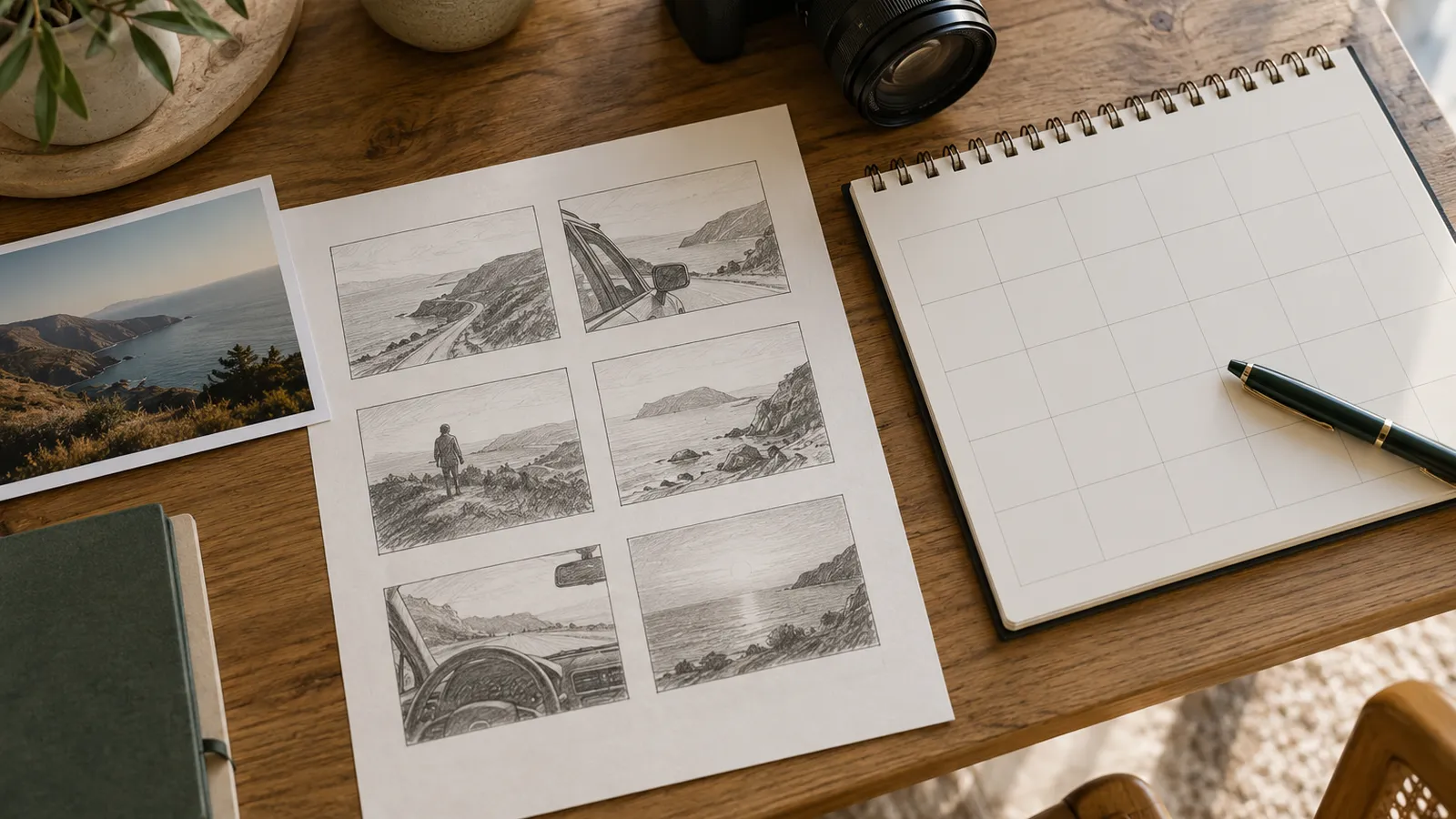
Preproduction turns an idea into a workable plan. Ask whether it includes a planning meeting, script, shot list, location selection, and participant coordination. If your business supplies the script, agree on who reviews it before filming. Changing a sentence on paper is usually simpler than recording an interview again.
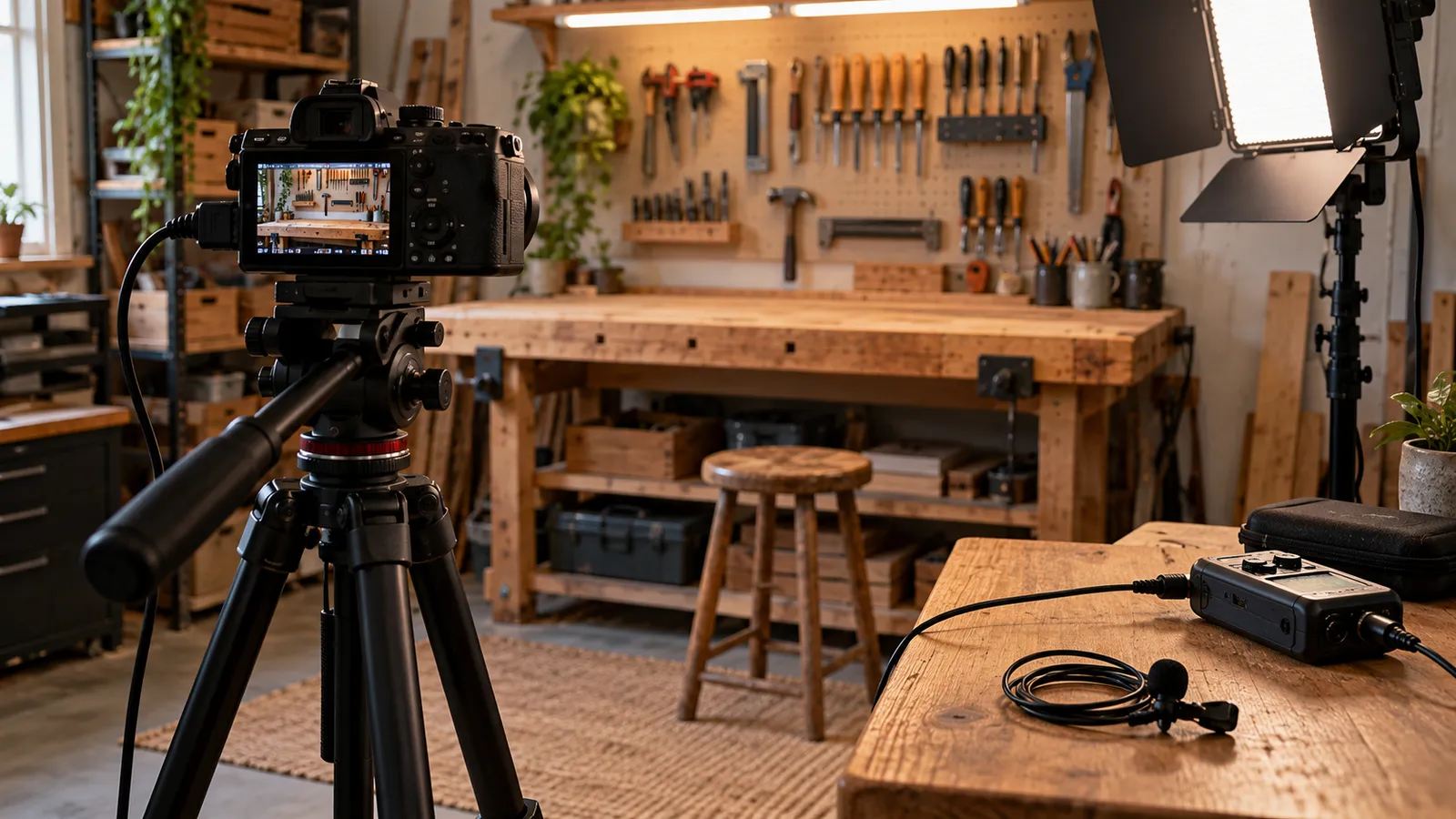
For the shoot, define working days or blocks, locations, participant availability, audio, and lighting needs. Confirm setup and breakdown time, travel, and access restrictions. “One day of filming” does not explain how many locations are involved or how much usable time each participant will have.
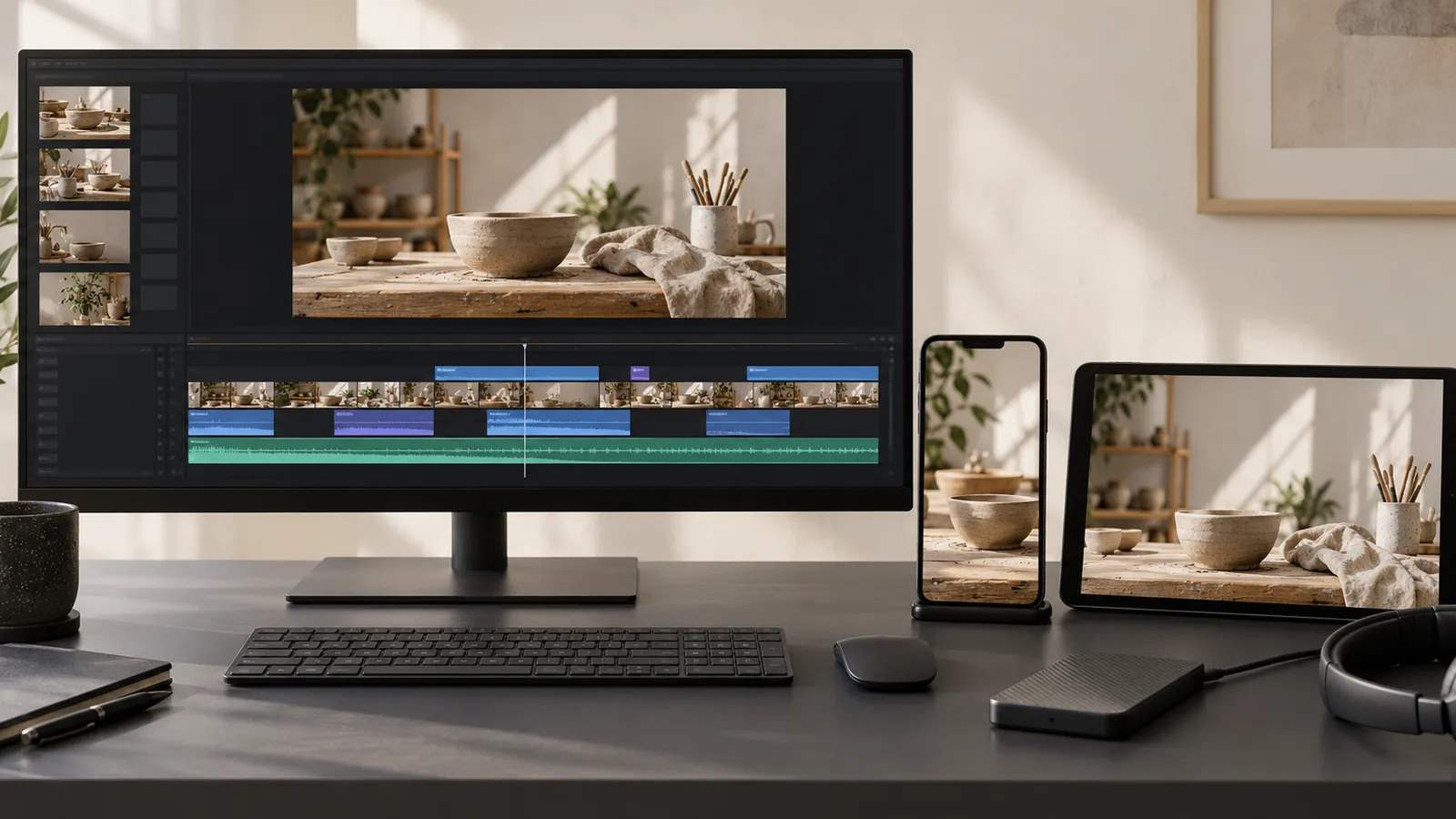
In postproduction, distinguish footage selection, editing, color correction, sound work, graphics, voiceover, and captions. Identify what already exists and what needs to be created. A custom animation and a simple title do not involve the same work, even when both last only a few seconds.
3. Make every deliverable specific enough to check
Ask for a list you can check against the delivered files. The table below is a conversation framework. Fill in the actual values with the provider, based on the channels and project scope.
| Deliverable | What to agree on |
|---|---|
| Main video | Goal, approximate runtime, and aspect ratio |
| Adaptations | Quantity, length, and editing or framing changes |
| Audio | Voiceover, music, mix, and language versions |
| Captions | Languages, review, and separate or burned-in files |
| Final files | Format, resolution, and delivery method |
| Working material | Whether raw footage or an editable project is included, and on what terms |
Final exports, raw footage, and the editing project are different deliverables. If you need to reuse shots in six months or hand the project to another editor, say so before requesting a quote. Also ask how long the provider will retain the material. Permanent archiving should not be assumed.
4. Clarify usage, permissions, and accessibility
Write down where the video will appear and whether it will be used in paid advertising. Ask for the terms covering third-party assets such as music, voiceover, or stock footage. Agree with the provider on who obtains the participant and location permissions relevant to the project. Resolve these points for the intended use rather than assuming an unlimited license.
Plan accessibility from the script stage. W3C guidance distinguishes needs such as captions, transcripts, and descriptions of visual information. Decide which your video needs and how they will be reviewed. For an interview, for example, a caption file needs transcription, timing, and checking. Switching on an automatic export does not complete that work.
5. Define revisions and scope changes
Each review round needs an owner and a way to consolidate feedback. Clarify how many rounds the proposal includes, when they occur, and how much time is reserved for responses. If five people send conflicting notes on different days, editing can stall even when the provider is available.
Distinguish correcting a fact, adjusting an edit within the approved script, and requesting a new concept after filming. Agree on how additional costs will be raised and approved before the work happens. For exterior shoots, include what happens if weather prevents filming, without assuming free rescheduling or a universal policy.
6. Compare proposals using the same scope sheet
Before choosing, mark each item as included, excluded, or pending. Ask for clarification wherever the answer is ambiguous. If one proposal includes two languages and another includes one, request a comparable version before comparing totals. Also check each quote’s validity period, currency, taxes, payment terms, and delivery date.
Download the video scope template and share it with the providers preparing quotes. The useful outcome is a discussion of concrete choices: what to produce now, what can wait, and what material can be reused. A lower price may fit if its scope meets your need. A higher price should explain the additional work it covers.
Frequently asked questions
Does a shorter video always cost less?
Not necessarily. A short piece can require several locations, animation, or extensive planning. Compare the work involved and the versions you will receive as well as the final runtime.
Can I ask for an initial estimate?
Yes. Provide at least the goal, number of assets, channels, known locations, and intended launch date. Ask for the estimate to state its assumptions and what still needs confirmation before a firm proposal can be prepared.
Sources
Reviewed and checked on November 1, 2026.
- (n.d.). Making Audio and Video Media Accessible. Web Accessibility Initiative. Retrieved November 1, 2026, from https://www.w3.org/WAI/media/av/