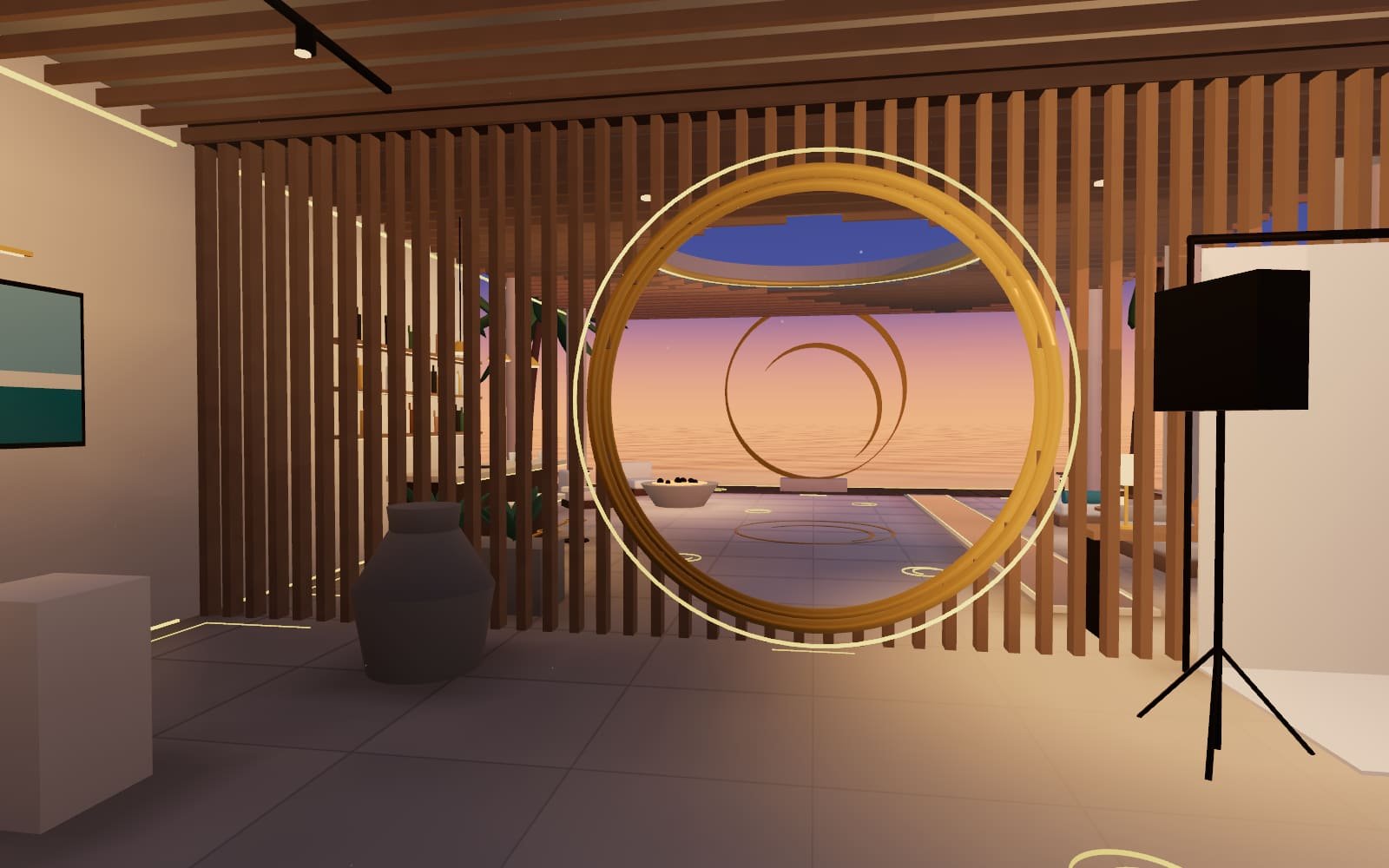
LUM360 Lab Experiment 002
The 360 Challenge Find it. Scan it. Beat the clock.
Ten rooms, fifty hidden objects and a clock. Look around, find them and beat the time.
- 50 objects
- 10 rooms
- 16 different objects
- 3 minutes
You've been challenged
Score to beat: 0 points
You'll play exactly the same challenge: same rooms, same objects, same spots.
Drag to look and tap objects to find them. On a computer, click and drag or use the arrow keys.
This device can't start the 3D experience: the browser doesn't have the graphics acceleration (WebGL 2) it needs. You can open it on another device or keep exploring what LUM360 does.
Get to know LUM360What it is
A whole house, ten rooms and three minutes.
The 360 Challenge is a game created by LUM360 that runs right on this page. You appear in the center of a room and can look in every direction, just like in a virtual tour. Each level hides five objects in the space, and you have to find them before time runs out. There are ten levels, each in a different room of the house.
- 01LookDrag with one finger or the mouse. The space is complete: ceiling, floor, everything.
- 02FindTap the object as soon as you see it. Chain finds together and the combo multiplies your points.
- 03DigitizeEach find lights up the room: light lines, outlines, hotspots, a grid and, at the end, a portal.
The house
Ten rooms. Every game tours them in a different order.
The game's seed shuffles the house: the same room can be your first level or your last, and the objects inside it change places. Press to see how it shuffles.
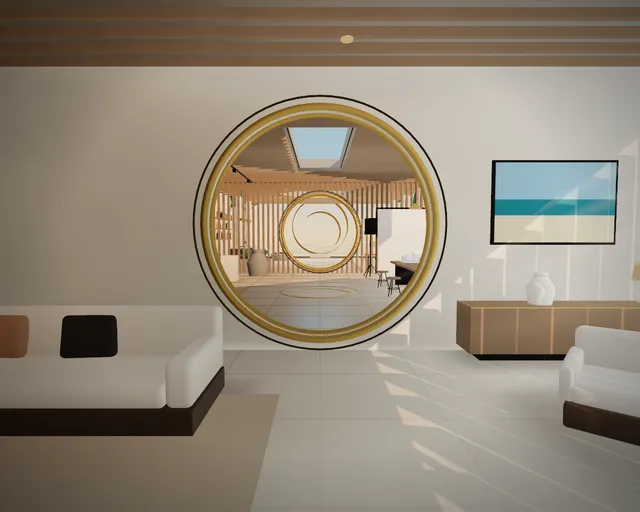
01Living RoomBookcase, sofa and the slatted picture window. 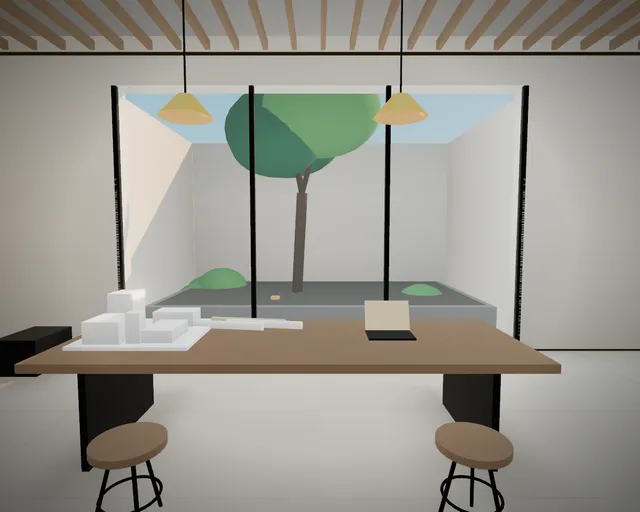
02GalleryPhotographs, a scale model and a courtyard with a tree. 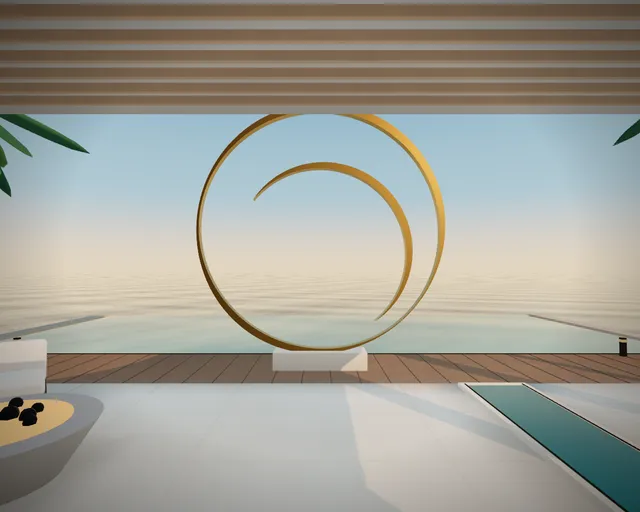
03TerraceRotunda with an oculus, a bar and the sea beyond. 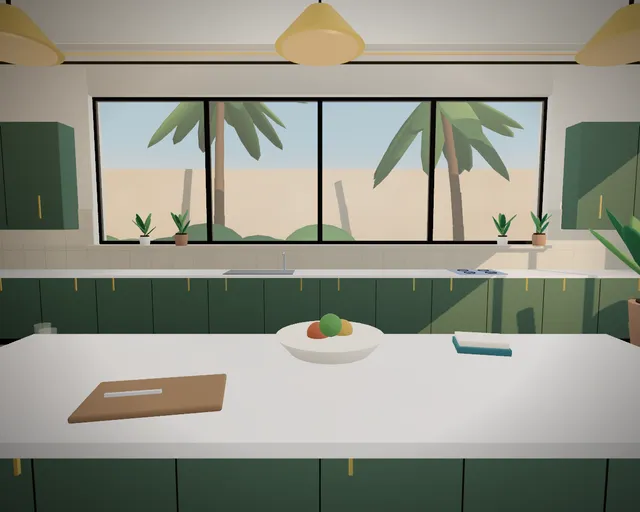
04KitchenMarble island and open shelves. 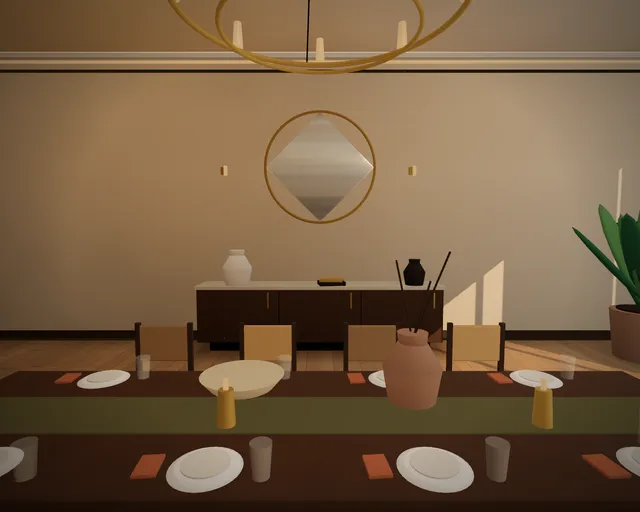
05Dining RoomWalnut table, chandelier and a display cabinet. 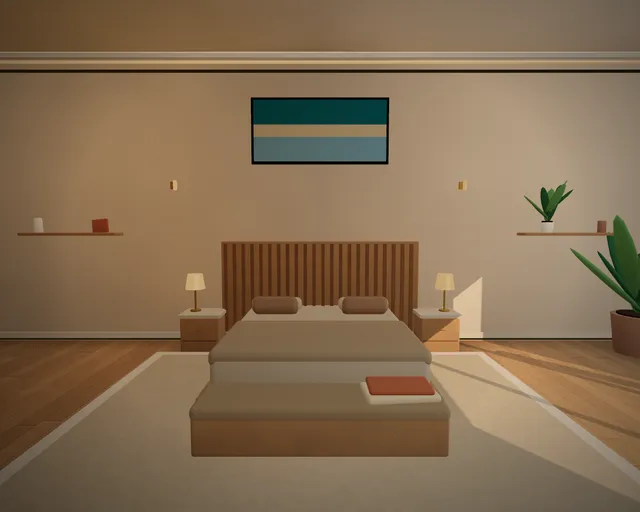
06BedroomSlatted headboard and reading nook. 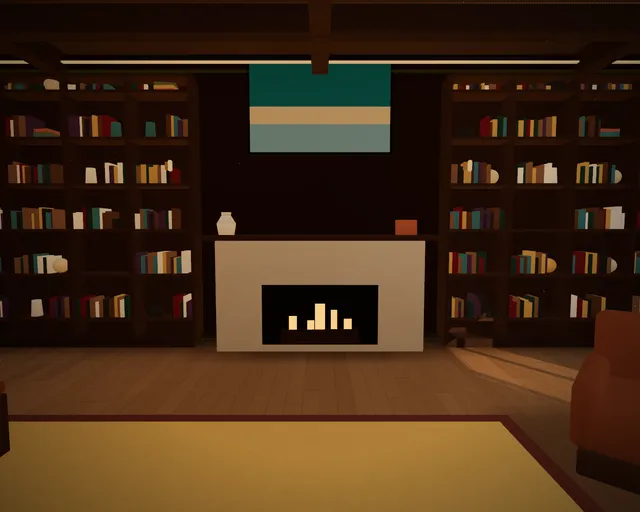
07LibraryFloor-to-ceiling bookcases and a fireplace. 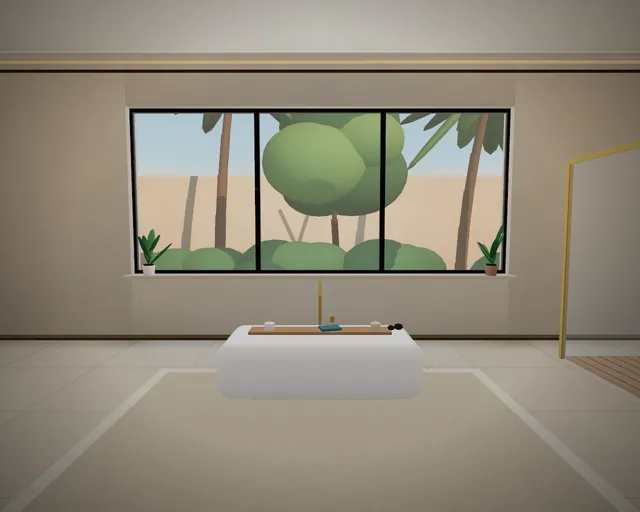
08Spa BathFreestanding tub, stone and a glass shower. 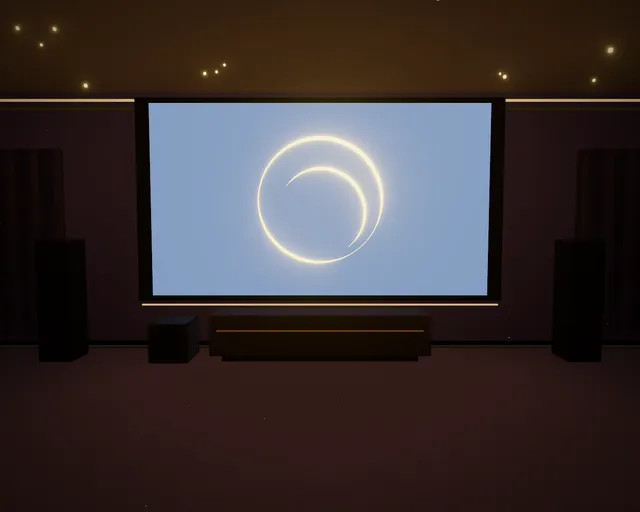
09Home TheaterScreen, seats and a starry ceiling. 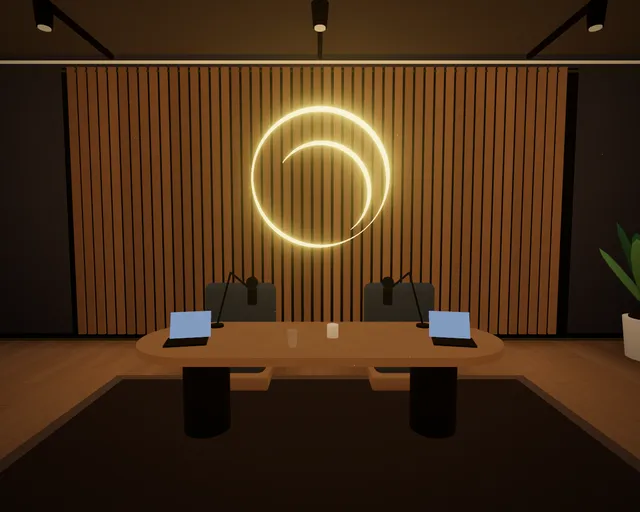
10Recording StudioPodcast set and the isotype in neon.


What you're looking for
Sixteen objects, sixteen things we actually do.
What you're looking for isn't decoration. Each object is a 3D model built into the game and corresponds to a LUM360 service. Five different ones appear in each level.
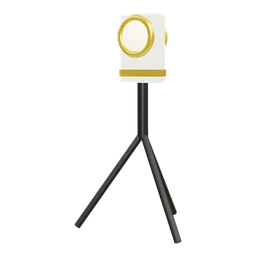 360° cameraVirtual tours for real estate and for businesses.
 HotspotThe interactive points that take you from a scene to an action inside a tour.
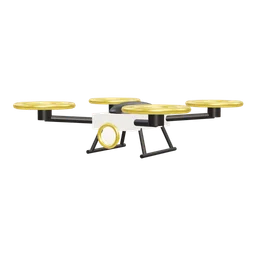 DroneAerial photography and video.
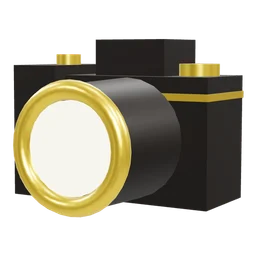 CameraProfessional photography of spaces.
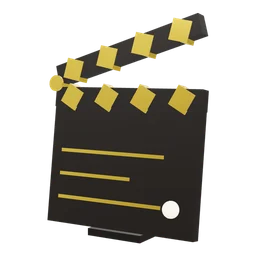 ClapperboardVideo marketing and corporate content.
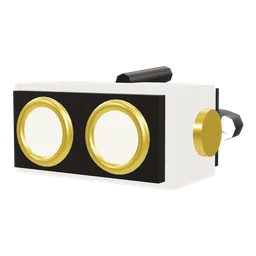 VR headset360° immersive experiences.
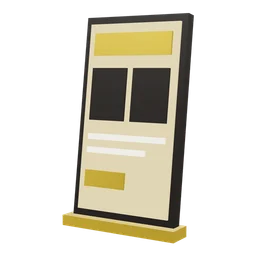 WebsiteWeb development and digital experiences.
 Map pinLocal SEO: so your business shows up where people are searching.
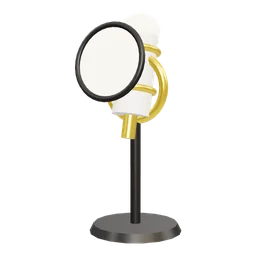 MicrophoneOn-location audio for video and interviews.
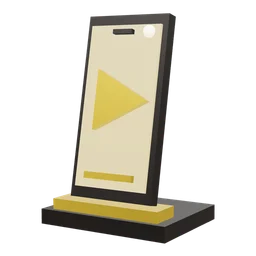 ReelVertical content for Reels and Shorts.
 ReviewsLocal reputation: responding to and managing the reviews on your listing.
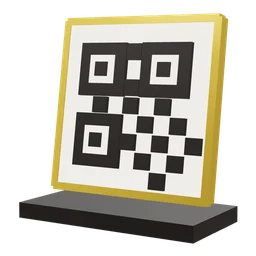 QR codeA QR code at your location that leads to the tour, the menu or booking.
 AnalyticsMeasuring visits, time and the most-tapped points in a tour or site.
 Tiny planetThe same 360° photo turned into an eye-catching format for social media.
 WhatsAppA button inside the tour or site that opens the conversation.
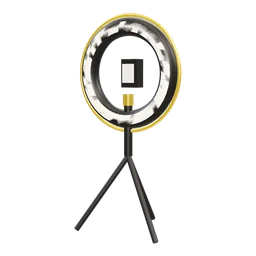 Ring lightProduction lighting for video and photography.
 And one that's not on the list: the LUM Point, the LUM360 isotype. Some games hide one; if you spot it, tap it.
The levels
Ten levels. Each one with less time and smaller objects.
The light moves from golden hour to night, the clock gets shorter, the objects get smaller and, from level 8 on, the game stops giving you hints: all that's left is the LUM Scan.
- 01Discover25 sGolden hour · size 100%
- 02Explore24 sGolden hour · size 100%
- 03Focus22 sGolden hour · size 95%
- 04Detail21 sBlue hour · size 90%
- 05Depth20 sBlue hour · size 86%
- 06Dusk19 sBlue hour · size 82%
- 07Nightfall18 sNight · size 78%
- 08Precision17 sNight · size 74% · no hints
- 09Blackout16 sNight · size 70% · no hints
- 10360 Rush14 sNight · objects move · no hints
When you finish the last level, the isotype opens like a portal facing the sea.
How to play
No tutorial: drag to look and tap what you find.
- Combo
- Finding an object within a few seconds of the last one multiplies your points: x2, x3, up to x5.
- LUM Scan
- Once per level, a wave sweeps through the room and the objects you haven't found flash as it passes. It doesn't point them out, and it costs points.
- Perfect Round
- Level complete, fast, with no LUM Scan and almost no missed taps. It earns the biggest bonus.
- Pause
- Esc or P stops the clock and shows your route through the house. The scene blurs: pausing won't help you keep searching.

Challenge someone
Every game is different. A challenge isn't.
Objects aren't always in the same place: each level picks five positions out of the house's 231, with rules that keep the challenge fair. What decides that choice, and the order of the rooms, is a seed, and the same seed produces exactly the same game on any device.
- Challenge someone
- When you finish, you can share a link. Whoever opens it plays your same challenge with your score as the target. No account, no sign-up.
- Daily 360
- One challenge per day, the same for everyone (it changes at midnight UTC). Your best score of the day is saved on your device.
- Personal best
- Best score, best time with all fifty objects and best combo. They're saved only in your browser.
- No leaderboard
- A challenge's score travels in the link itself and is calculated in your browser: it's a game between people, not a verified leaderboard.
How it's built
Everything is built on your device.
It runs in the browser with WebGL and Three.js, with nothing to install. The house, the furniture and the sixteen objects are procedural: no models, textures or audio are downloaded. Rooms are built on your device in a few seconds, sound is synthesized in real time and graphics quality adjusts automatically so motion stays smooth on a phone or a computer.
- Engine
- Three.js on WebGL 2. It downloads only when you tap “Play”: 182 KB compressed.
- Controls
- One finger on a phone; click and drag with a mouse; arrow keys or WASD on a keyboard (Space finds, L scans). Looking by moving your phone is optional.
- Duration
- A little over three minutes on the clock, spread across ten levels. Playing again reloads nothing.
- Accessibility
- The whole game can be played with a keyboard, it respects the reduced-motion preference and works the same without sound.
Your space can be explored like this, too.
A tour you view in 360°, with hotspots that respond and a reason to stay. We design virtual tours, interactive web experiences and content for hotels, real estate developments, venues and brands in Cancún and the Riviera Maya.
Frequently asked questions
Before you play.
What is The 360 Challenge?
It's a 3D hidden object game: you tour a ten-room house in 360°, find the objects you're asked for and race the clock. Every game is generated differently.
How do you play on a phone?
Drag with your finger to look around and tap the objects you find. On a computer, you use the mouse. There's no tutorial: you figure it out as you start.
Is it free, and is my progress saved?
It's free, with no sign-up or install. Everything runs on your device.
Can a challenge like this be built for my brand?
Yes. A 360° search challenge can be built around your store, hotel or product, with prizes or discount codes. LUM360 builds it custom.