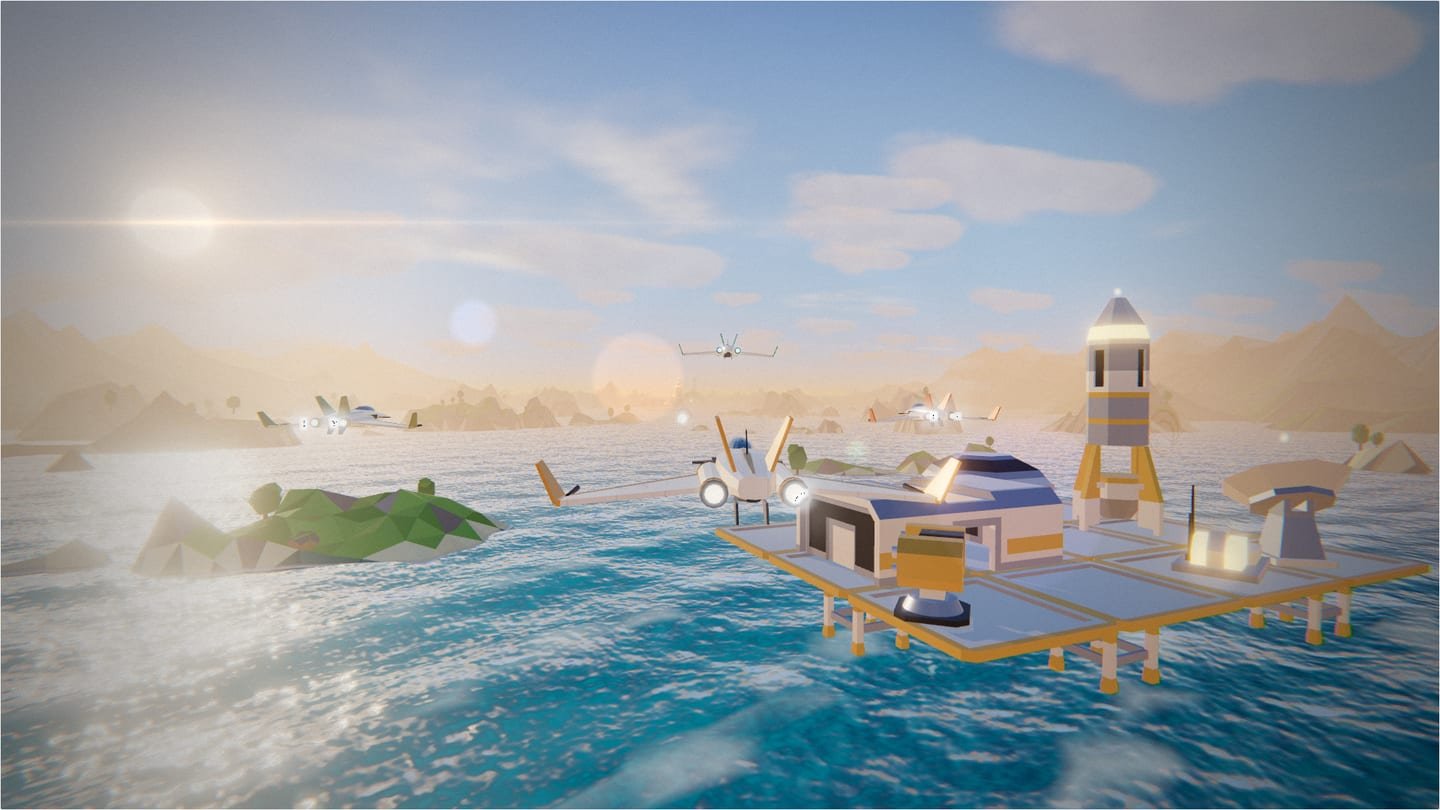
0103D space shooter · 360 Link Mission
STAR LUM
LUM360 Squadron · Take back the solar corridor
Fly the ORBIT-01 alongside Vega, Forja and Iris. Skim the sea, thread a canyon, break Umbra's fortress and beat the boss. Four timed weapons change the way you shoot. Play in your browser with keyboard and mouse, a controller or a touch screen.
The 3D engine only downloads when you press Play. No sign-up.
- 4timed weapons, each with its own behavior
- 4zones: coast, canyon, fortress and final boss
- 3difficulty levels, each with its own local record
- 3controller families: Xbox, PlayStation and generic
Timed weapons
Four modules, four ways to shoot.
Modules float along your route, each with its own shape, color and name. Fly through one to change your shot for a few seconds; the indicator at the lower right shows which one you have, how long it lasts and warns you in text before it runs out.
-
Solar Fan
Every shot opens five beams in a fan. Perfect against formations and enemies crossing the screen.
-
Rapid Burst
Hold fire for a continuous stream from the wings. While it lasts there is no charged shot: it's pure firepower.
-
Light Lance
An instant precision beam that pierces up to four lined-up targets and stops at the terrain.
-
Seekers
Two missiles per shot that turn toward the nearest target ahead. Their turning is limited, so they can miss.
Module rules
- The same module refreshes to its full time; it never stacks beyond its duration.
- A different module replaces the current one. Bombs, the charged shot and lock-on stay available (except with Rapid Burst, which uses held fire).
- Losing a life, retrying from a checkpoint, continuing or returning to the title screen takes you back to the base laser. Flying through a checkpoint ring keeps your module.
- Pausing stops the module timer. Three seconds before it ends, the indicator shows "Ending soon" and a soft alert plays.
Controls
Keyboard, mouse or controller, with its own buttons.
STAR LUM shows prompts for the device you're using and switches them automatically when you move from keyboard to controller. It recognizes Xbox, PlayStation and generic controllers as well as the browser allows; if it guesses wrong, pick the symbols in the game under Controller settings, where you can also remap buttons and axes.
| Action | Keyboard & mouse | Controller · Xbox |
|---|---|---|
| Move | W A S D or arrow keys | Left stick or D-pad |
| Fire · hold to charge | J, Space or left click | Bottom button |
| Smart bomb | K, B or right click | Right or top face button |
| Boost | Shift or L | Right trigger |
| Brake | I o V | Left trigger or left face button |
| Roll left (×2: barrel roll) | Q | Left bumper |
| Roll right (×2: barrel roll) | E | Right bumper |
| Pause and menus | Esc or P | Menu button |
- Charged shot. Hold fire, release it when fully charged, and the projectile locks onto the marked target.
- Defensive roll. Two quick roll taps spin the ship and deflect regular projectiles.
- Boost and brake. They share a heat bar: if it runs out, wait for it to cool down.
- Mouse. Optional: turn on "Steer with the mouse" in the game. If the browser doesn't allow pointer capture, the ship follows the mouse position on screen.
In the game menus, the D-pad or stick moves the focus, the bottom face button confirms and the right one goes back. If you disconnect the controller during a mission, the game pauses and won't resume until you say so. The Gamepad API requires HTTPS and, in some browsers, a first button press before the controller shows up.
Mission 01 · 360 Link
Four zones to take back the solar corridor.
-
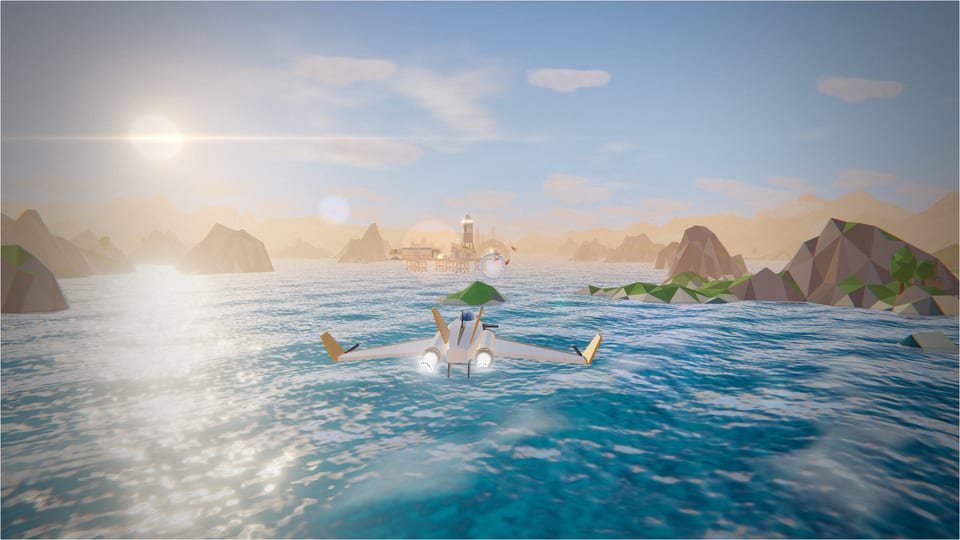
The coast
Open sea, islands and the LUM360 coastal base. The first weapon modules show up here.
-

The canyon
Closing walls, falling pillars and a bridge with turrets. Brake and turn in time.
-
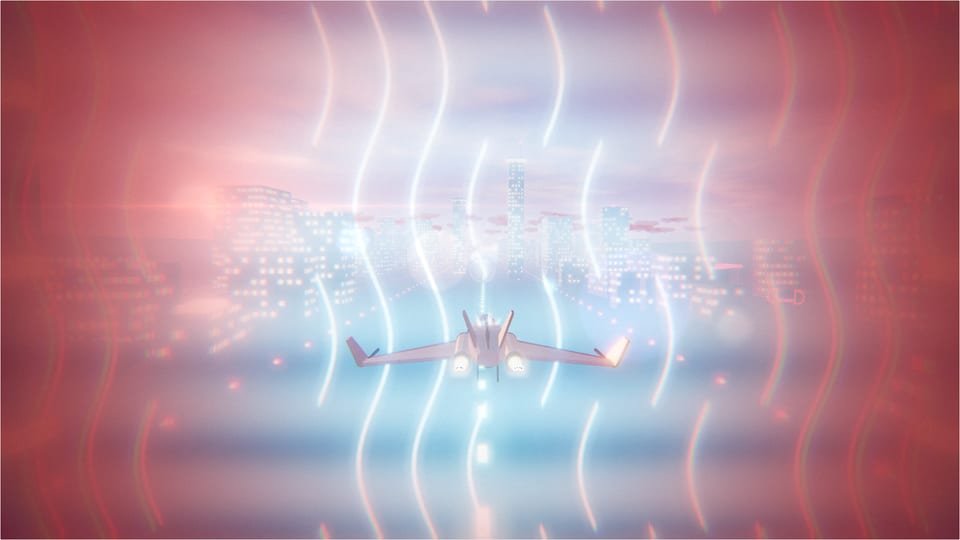
The fortress
Anti-aircraft defenses and energy gates: destroy their generators to get through.
-
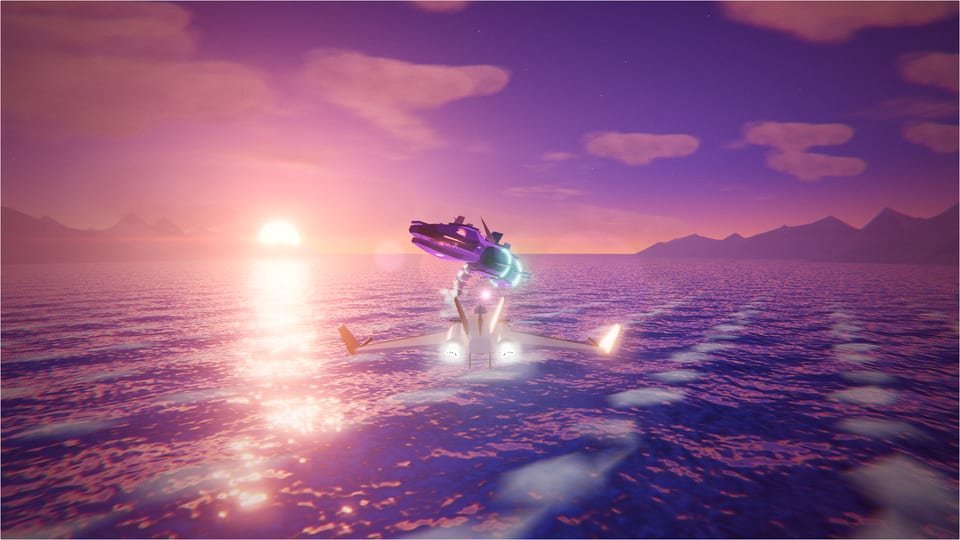
The boss
An Umbra sea machine. Take out its turrets first, then its core when it opens its jaws.
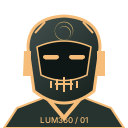 VEGAScout · always up front
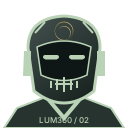 FORJADefense · tactical advice
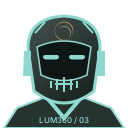 IRISNavigation · shields and routes
 LUM360Mission control
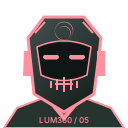 UMBRAThe signal jamming the link
Frequently asked questions
Before takeoff.
What is STAR LUM?
It is a 3D space shooter you play in the browser. You fly the LUM360 squadron's ORBIT-01 on an on-rails mission: coast, canyon, fortress and a final boss. It is an adaptation of NOVA LANCER, an open-source game under the MIT license, with LUM360 branding, timed weapons, controls and writing.
How do the timed weapons work?
During the mission you'll find modules, each with its own shape, color and name: Solar Fan, Rapid Burst, Light Lance and Seekers. Fly through one and it changes your shot for about 11 to 14 seconds. Grabbing the same module refreshes its time, a different one replaces it, and losing a life takes you back to the base laser. Pausing stops the timer.
Which controllers work?
The ones your browser recognizes through the Gamepad API: Xbox, PlayStation and generic controllers. The game tries to identify the controller family to show its buttons; if it guesses wrong, you can pick the symbols yourself. In the game you can remap buttons and axes and adjust the dead zone, sensitivity, axis inversion and vibration. Compatibility depends on the browser, the operating system and the controller itself.
Can I play with my friends?
STAR LUM is single-player, with no online matches. You can share the game or challenge a friend with a link that carries your score and difficulty: when they finish the mission, they'll see whether they beat you. Records are saved only in each browser, so the challenge is friendly, not a verified leaderboard.
Can I play on my phone?
Yes, with on-screen touch controls. We recommend turning your phone sideways and using low graphics. The game needs a browser with WebGL 2, and performance depends on each device.
How big is it, and when does it download?
The page loads only images and a small script. The engine downloads when you press Play: 1.0 MB uncompressed (about 236 KB with brotli compression), plus the interface and a detail texture. When you exit, the game closes completely.
Can LUM360 build a game like this for my brand?
Yes. LUM360 builds advanced websites, 360° immersive experiences, virtual tours, and custom 3D games. Tell us your idea on the quote page.
Credits
Built on open source.
STAR LUM is an adaptation of NOVA LANCER (© 2026 たぬ, MIT license). The mission, physics, enemies and boss come from the original; LUM360 added the brand identity, the squadron liveries, the timed weapons, the adaptive controls, the improved water and coastline, the Spanish and English writing and the Lab integration. The coastal base uses recolored Kenney Space Kit models (CC0), and the terrain a Poly Haven texture (CC0). LUM360 does not claim authorship of the original engine.
- NOVA LANCER · MIT · © 2026 たぬ
- Three.js · MIT
- Kenney Space Kit · CC0 1.0
- Poly Haven "Rock Face" · CC0 1.0
- Build provenance
Want to start over? This erases only STAR LUM's settings, records and controller mapping in this browser.