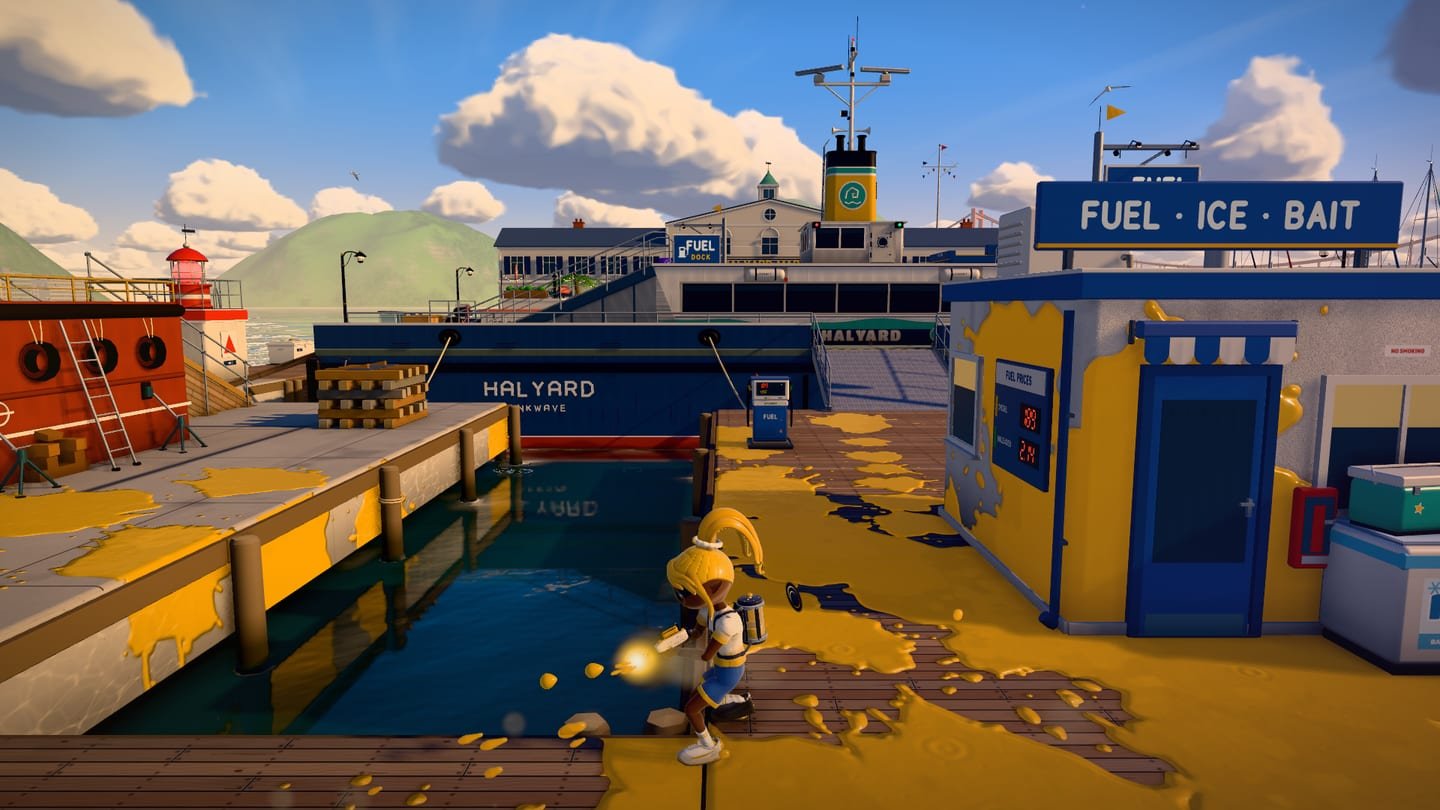
0093D paint battle · 4 vs 4
LUM INK
LUM360 ARENA · Your color. Your turf.
Take the plaza with team LUM360. Paint the ground, swim through your ink, climb walls, and mix weapons in 4-on-4 battles with bots. Play in your browser with keyboard and mouse, a controller, or a touchscreen.
The 3D engine only downloads when you press Play. No sign-up.
- 12weapons, each with its own sub weapon and special
- 7stages, by day and at dusk
- 4modes: turf, zones, boss, and practice
- 4 × 4battles with bots that play as a team
Controls
Every controller, with its own buttons.
LUM INK recognizes your controller family and shows its symbols: colored letters on Xbox; cross, circle, square, and triangle on PlayStation; and, on generic controllers, the button's physical position with its number. Switch from keyboard to controller mid-game and the prompts change on their own.
| Action | Keyboard & mouse | Controller · Xbox |
|---|---|---|
| Move | W A S D | Left stick |
| Aim | Mouse or U I O K | Right stick |
| Paint / fire | Left click or J | Right trigger |
| Swim / refill | Shift | Left trigger |
| Jump | Space | Bottom button |
| Ink bomb | Right click or E | Right bumper |
| Special | F o Q | Top button |
| Map | Tab or M | View button |
| Pause | Esc or P | Menu button |
- Charge weapons. Hold fire to charge them and release to shoot.
- Walls. Paint them and swim up your color to climb. They don't count toward the result.
- Special. It charges as you paint ground. When it's ready, the prompt shows your controller's button.
- Map. With the map open, 1, 2, and 3 jump to a teammate, and 4 takes you back to base.
With a mouse, the camera works best with pointer lock; if your browser doesn't allow it, you can aim by moving the mouse inside the game or with U, I, O, and K. Each controller's compatibility depends on the browser, the operating system, and the controller itself; the Gamepad API requires HTTPS.
Game modes
Four ways to paint the plaza.
-
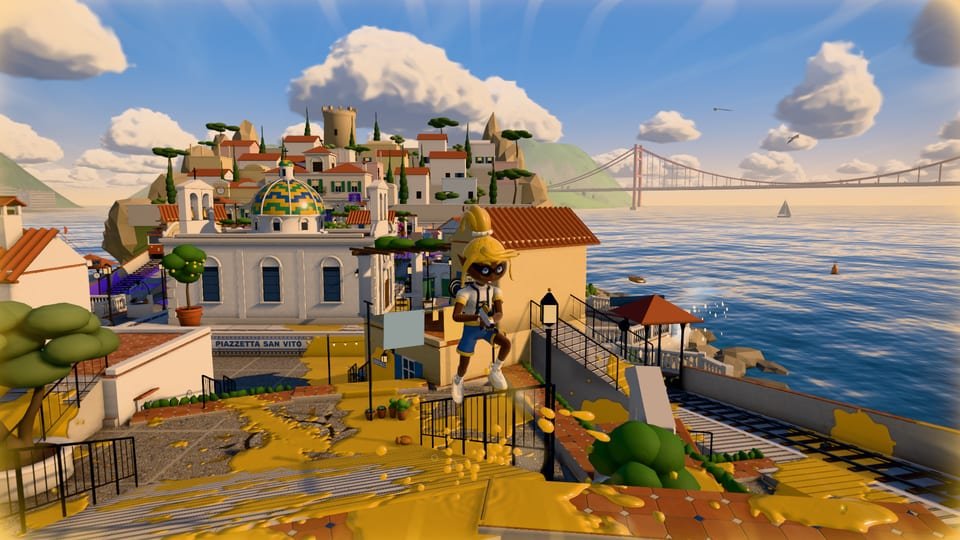
Turf War
Four against four. The team with the most painted ground when the clock runs out wins.
-
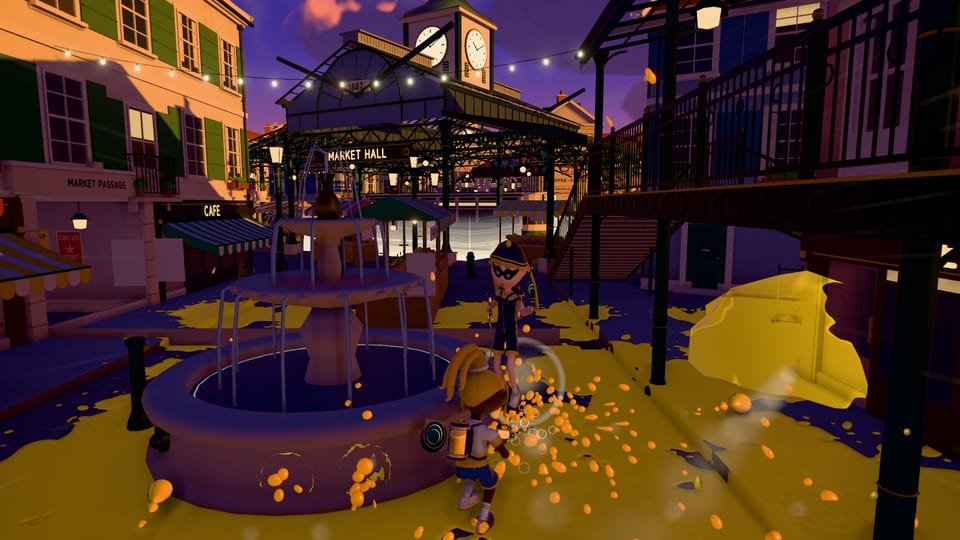
Zone Control
Paint and hold the marked zones to count your score down before the rival team does.
-
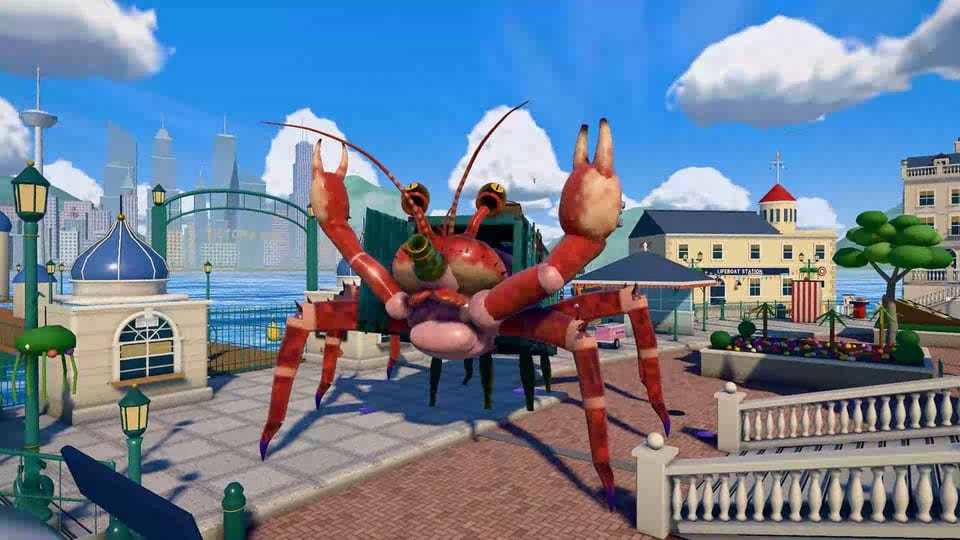
Boss battle: COLOSO 360 beta
You and your bot squad against a giant boss. It keeps the beta status of the original game.
-

Práctica
No rivals, no clock: try weapons, subs, and specials, and switch your loadout whenever you like.
Frequently asked questions
Before you play.
What is LUM INK?
It's a 3D team paint battle game you play in your browser. You join team LUM360 and, together with three bots, take on four rival bots: the team with the most painted ground when time runs out wins. It's an adaptation of INKWAVE, an open-source game by Jayden Davis (MIT license), with LUM360 branding.
Can I play online against other people?
No. It's one player and seven bots, with no online multiplayer, no accounts, and no public leaderboard. The game doesn't send your matches to any server.
Which controllers work?
Any controller your browser recognizes through the Gamepad API: Xbox, PlayStation, and generic controllers. The game detects the controller family and shows its own symbols: colored letters on Xbox; cross, circle, square, and triangle on PlayStation; and the button's physical position on generic controllers. If a controller doesn't use the standard mapping, you can remap its buttons and axes under Controller setup. Compatibility depends on the browser, the operating system, and the controller itself.
Can I play on my phone?
Yes, with on-screen touch controls. We recommend turning your phone to landscape and using light graphics. The game needs a browser with WebGL 2.
Is my progress saved?
Yes, but only in your browser: your name, look, loadout, experience, level, matches, and settings are saved in this site's local storage. If you clear the site's data, or use the Erase progress button, they're gone. Matches in progress don't resume after you close the game.
How big is it, and when does it download?
The page only loads images and a small script. The game engine downloads when you press Play: 4.3 MB uncompressed (about 1.1 MB with Brotli compression), plus the game's stages and fonts. When you exit, the game shuts down completely.
Can LUM360 build a game like this for my brand?
Yes. LUM360 builds advanced websites, 360° immersive experiences, virtual tours, and custom 3D games. Tell us your idea on the quote page.
Credits
Built on open source.
LUM INK is an adaptation of INKWAVE by Jayden Davis, released under the MIT license. LUM360 added the brand identity, the logo mark, the Spanish copy, the tutorial, and the button glyphs for Xbox, PlayStation, and generic controllers. LUM360 does not claim authorship of the original engine.
- INKWAVE · MIT · © 2026 Jayden Davis
- Three.js · MIT
- Titan One · SIL Open Font License
- Rubik · SIL Open Font License
Want a fresh start? This only erases the LUM INK data saved in this browser.