Explorer
Easy flight
Few blind spots, a wide route and rings that help you line up.
- Speed
- 15 m/s
- Duration
- 2:35 min
- Blind spots
- 17–18 per flight
- Clear gap
- 5.4 m
- Ring radius
- 3.7 m · high assist
- Points
- ×1 · up to 12,320
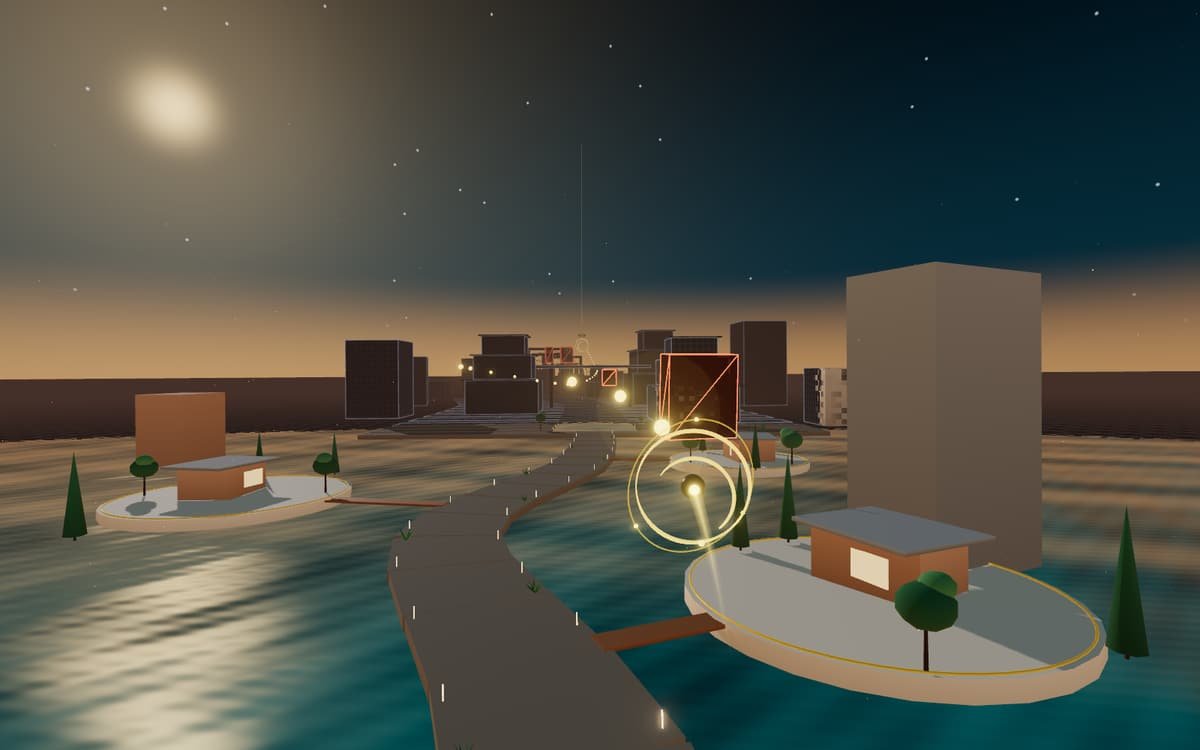
LUM360 Lab Experiment 001 Build 002
Fly over a Mexican Caribbean destination and turn it, capture by capture, into a digital experience.
You've been challenged
Score to beat: 0 points
Same destination, same route, same difficulty.
DifficultyA new destination every flight
Few blind spots, a wide route and rings that help you line up.
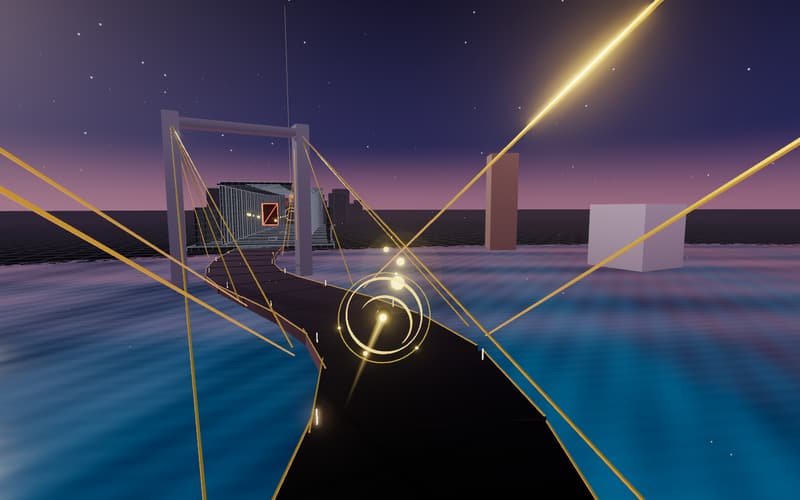
You move forward automatically: move the cursor, drag your finger or use the arrow keys. Follow the golden orbs, fly through all five rings and avoid the blind spots.
This browser doesn't have the 3D acceleration (WebGL 2) the experience needs. You can open it on another device or keep exploring what LUM360 does.
Get to know LUM360How to play
Digitize the World is an interactive experience created by LUM360 to show what we do on every project: take a physical space and turn it into something you can tour, understand and share from any screen.
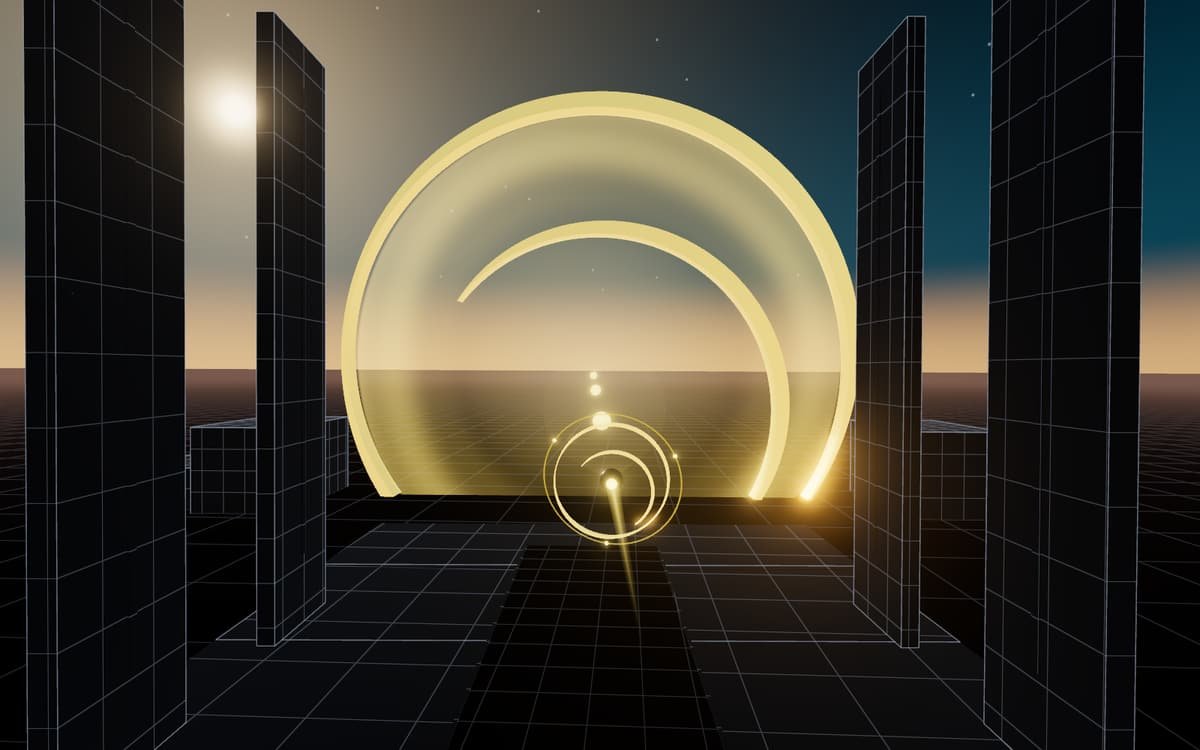
You pilot an entity built from the LUM360 logo mark. It moves forward on its own; you decide where. Each time you fly through a capture point, the area around you stops being a dimmed grid and appears complete: materials, water, vegetation and light.
What you see as you fly
The entity moves forward on its own. Move the cursor, drag with one finger or use the arrow keys to go left, right, up or down.
They always mark a clear path. Each one adds points, and if you chain them together, you gain a little speed.
Each ring digitizes the area around you. Passing through the center scores more points.
Dark volumes with a red grid that block the signal. You have three lives: after three crashes, the flight ends at “Signal lost.”
Real services
Each capture point corresponds to a real LUM360 service and carries the equipment used for that work. The final portal brings them together in a single digital asset.
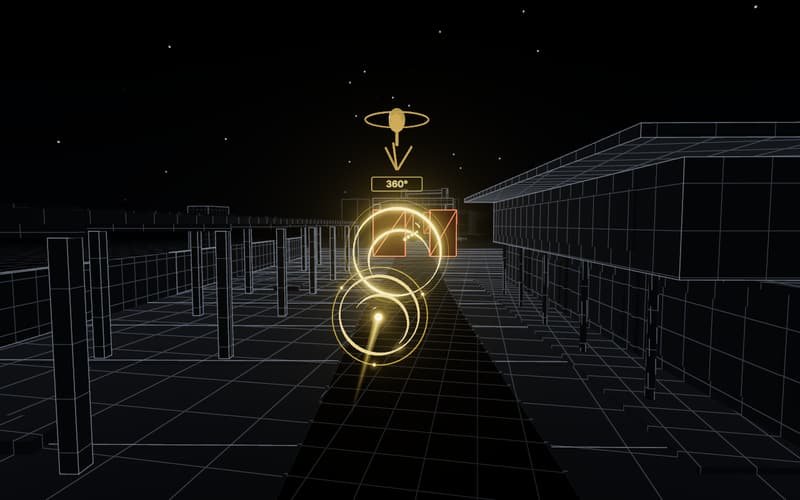
01 / 05
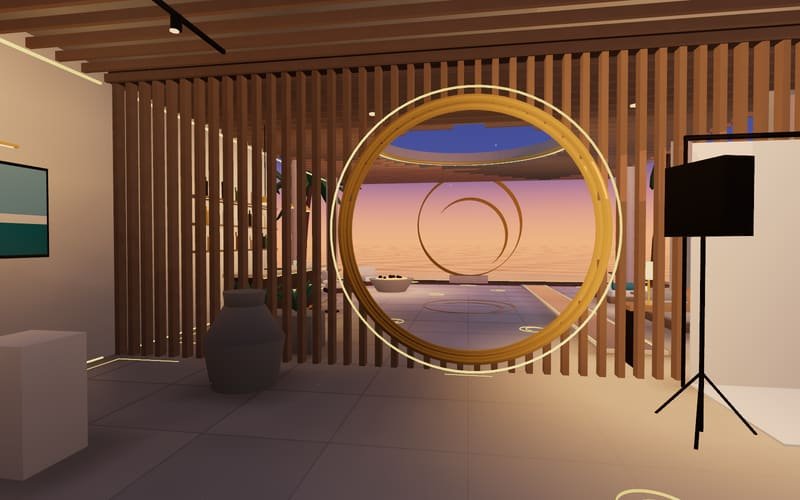
The villa
A space you tour point by point, as in our real estate virtual tours and 360° virtual tours for businesses.
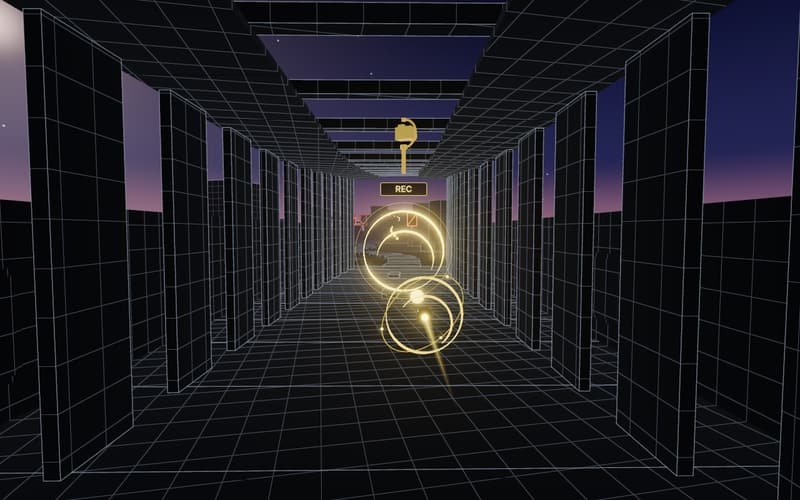
02 / 05
The gallery
Professional imagery that shows each space with intention: video marketing and photography.
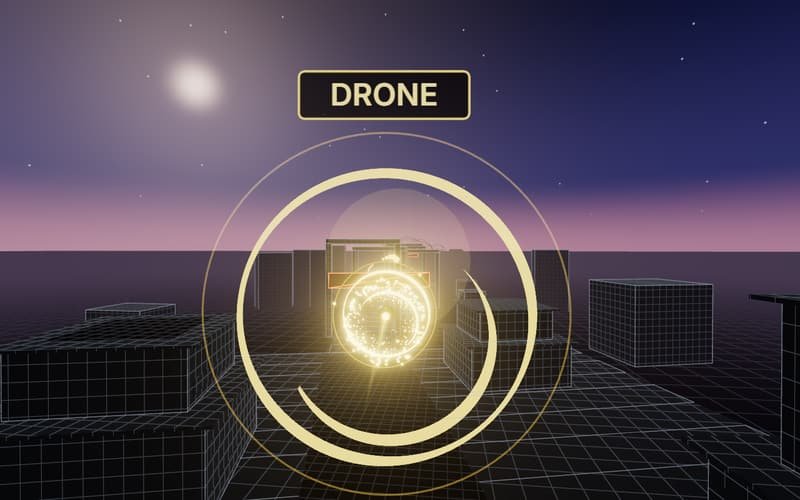
03 / 05
The terraces
The perspective that places a project in its surroundings: aerial drone footage.
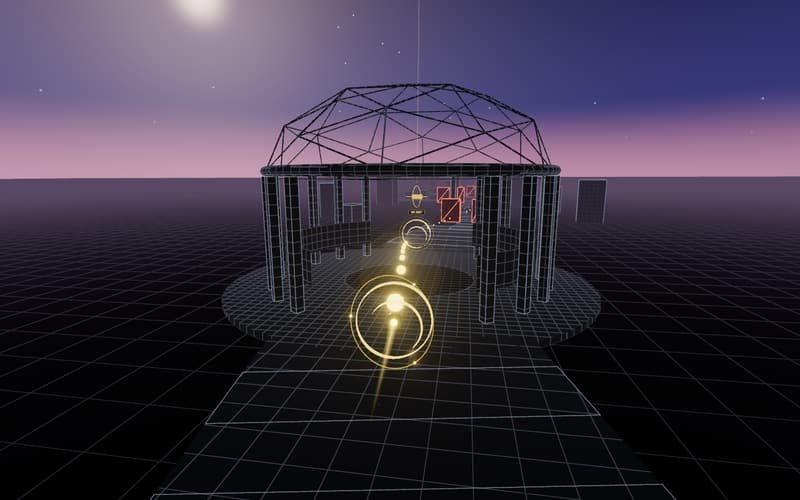
04 / 05
The rotunda
Content that surrounds the viewer: 360° immersive experiences.
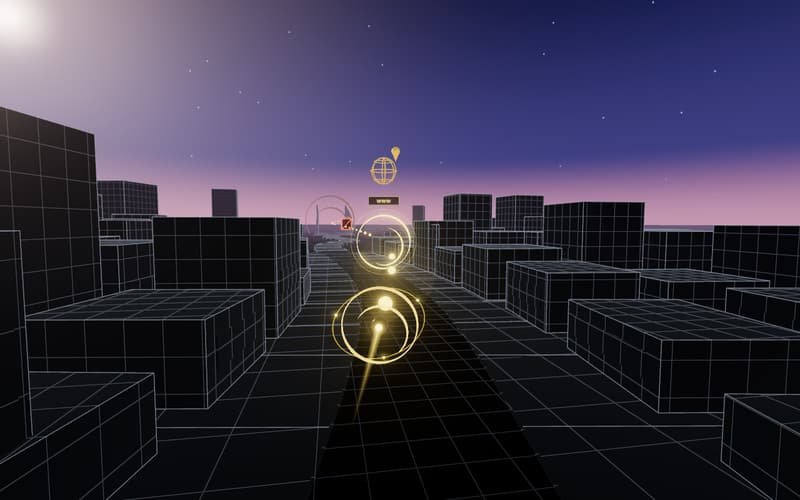
05 / 05
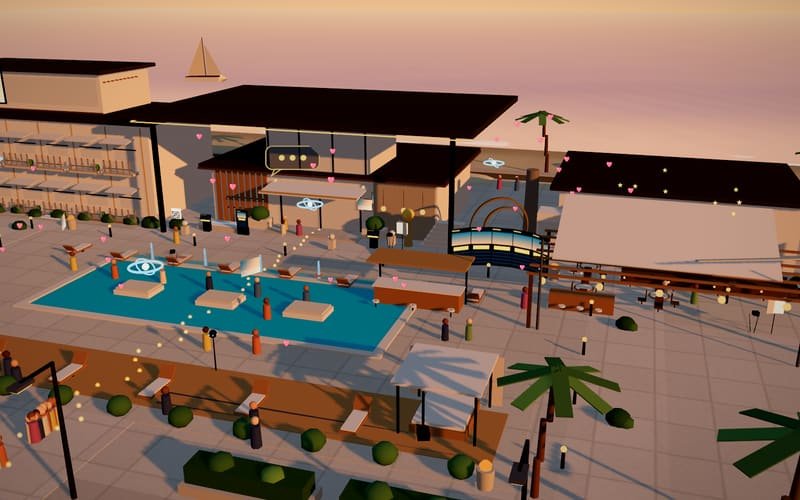
The plaza
A site that converts and a business that shows up on the map: web development and local SEO.
Difficulty levels
At any difficulty, the line of golden orbs is a crash-free route. What changes is how hard it is to follow: the speed, how many blind spots there are, how narrow the gap is and how much help the rings give you.
Easy flight
Few blind spots, a wide route and rings that help you line up.
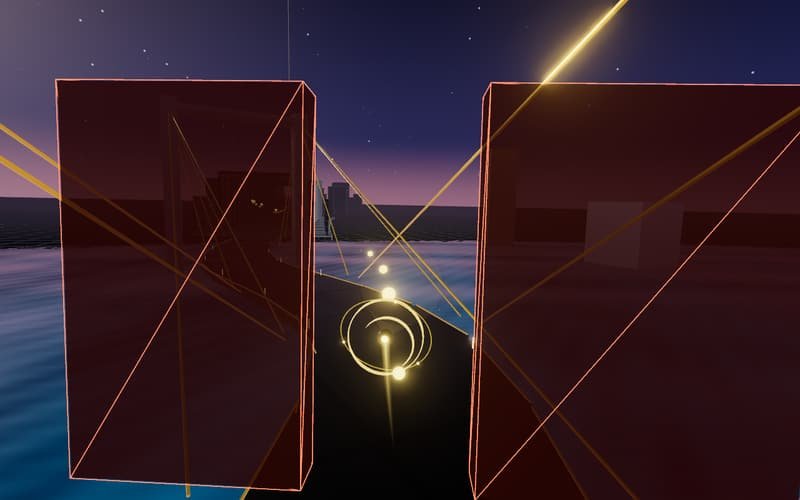
Winding route
More speed, walls with gaps and a line that switches sides.
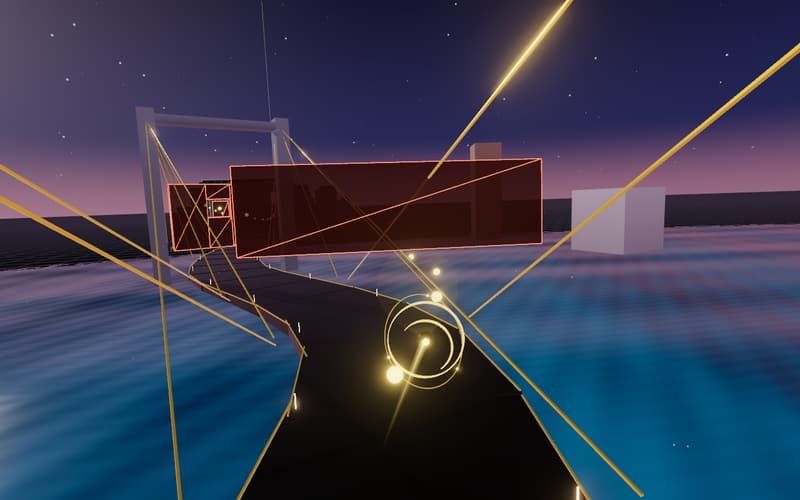
Total precision
Fast, narrow windows, moving barriers and almost no assist.
How scoring works
The total is multiplied by the difficulty, so a score can only be compared with another score on the same difficulty. When you finish, you get a rank: Complete, Precise or Master Capture.
Destinations
Each flight lands in a different destination than the last. The architecture stays the same; the stone, wood, sea, sunset sky and light change. Every image is a real frame from the game.
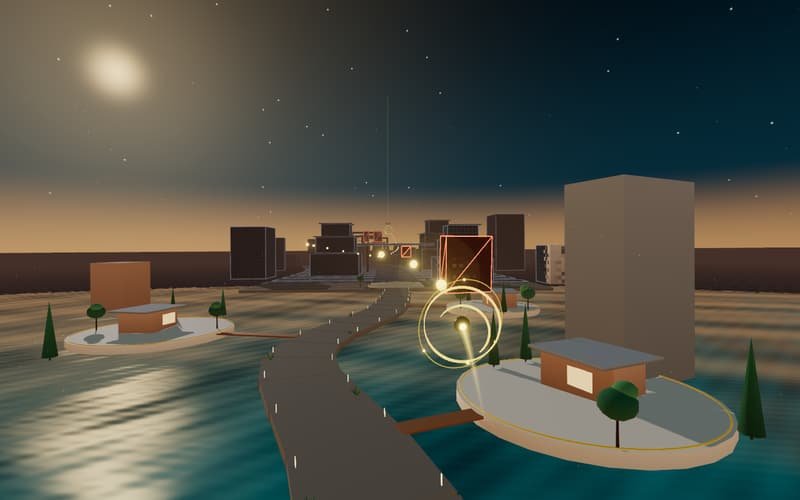
Turquoise sea and golden sunset
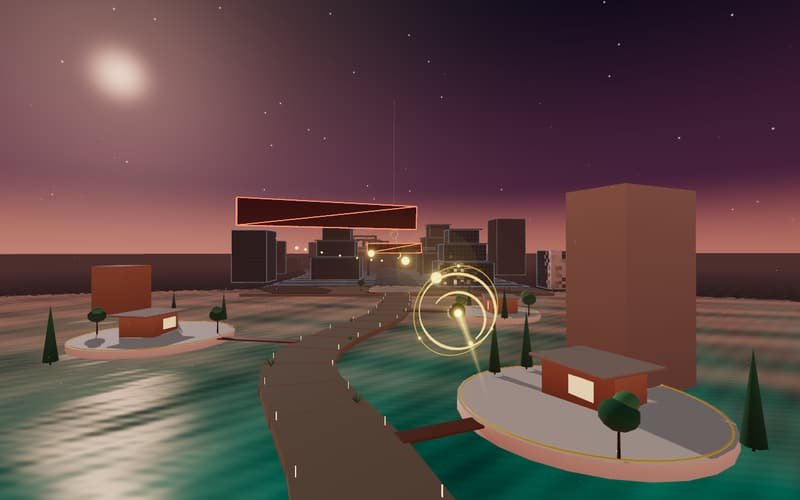
Limestone, jungle and pink sky
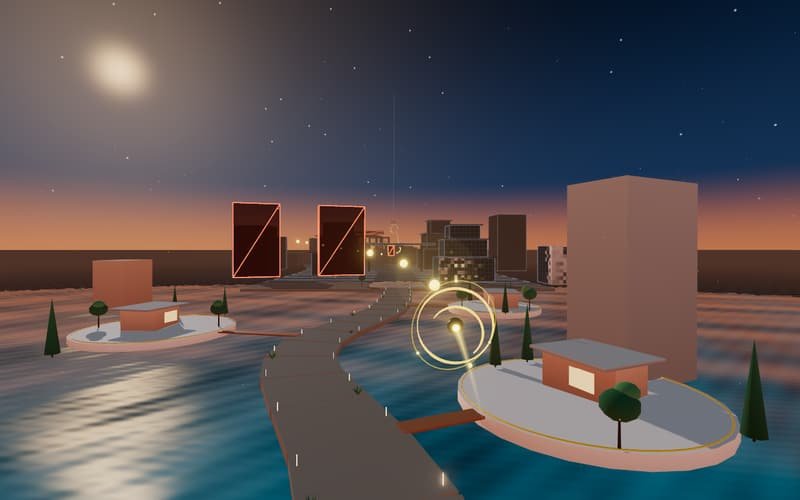
White facades and coral sunset
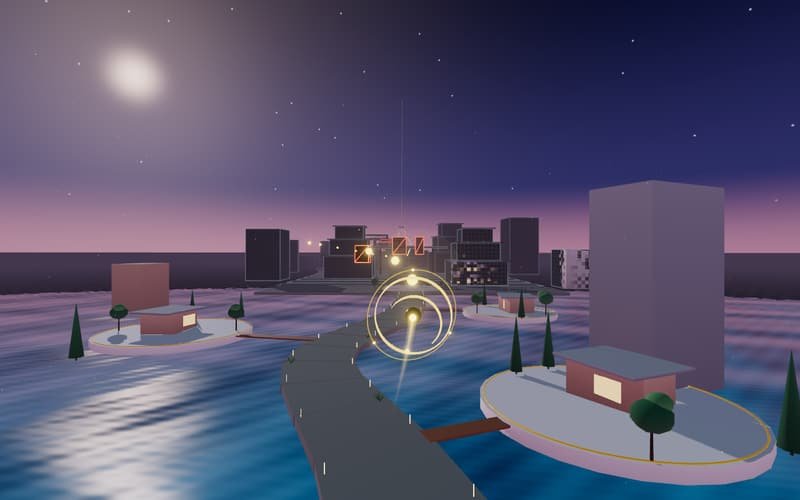
Lagoon of seven blues and lilac sky
Link challenges
When you finish, you can share a link with your score. Whoever opens it flies exactly your flight: the same destination, the same route, the same obstacles and the same difficulty.
Your score travels in the link and is calculated in your browser: it's a game between people, not a verified leaderboard.
Try a challengeWhat a challenge looks like
?reto=K7M2Q-2-17940-D
How it's built
It runs on WebGL and Three.js, with nothing to install. The architecture is procedural: no models or photos are downloaded, and the world is built on your device in a few seconds. Sound is synthesized in real time and graphics quality adjusts automatically to keep motion smooth on phones and computers.
157 KB
The compressed 3D engine. It downloads only when you tap “Play now.”
0
Models, textures or audio files downloaded: everything is generated on the spot.
3
Graphics quality profiles that switch automatically to keep things smooth.
WebGL 2
No extensions or plugins. If your browser doesn't have it, the page explains.
For your project
If a two-minute flight explains what we do better than a paragraph, imagine what it can do for your project. We design virtual tours, interactive visualizations and immersive web experiences for hotels, real estate developments, venues and brands in Cancún and the Riviera Maya.
Frequently asked questions
It's a 3D flight game from LUM360 Lab that you play in your browser: you fly through a Quintana Roo destination, dodge blind spots and capture five digital services to showcase a space.
It's free, requires no sign-up and has nothing to install. It works on phones and computers.
Yes. When you finish, you can share a link with your result so someone else can play the same challenge and try to beat it.
Through play, it shows five real LUM360 services used to showcase a space, such as 360° virtual tours, photography and video, and aerial drone footage. If you want something similar for your brand, LUM360 builds it custom.
Cancún · Explorer
0.0 s
Next · 360° Tour
Portal crossed
Digital asset complete
You didn't just see it. You experienced it.
Preparing experience
0
Digitize the World
The flight is paused. Restarting repeats this same flight from the beginning.
Flight complete
You didn't just see it. You experienced it.
Score: 0
New personal best
Next flight
Digitize the World
It could be your browser, the graphics memory available or your connection. Try again or keep exploring what we do.